Digital signage for the business you run.
The same platform, set up for one kind of place: which screens go where, which apps run on them, and what a week with them looks like.
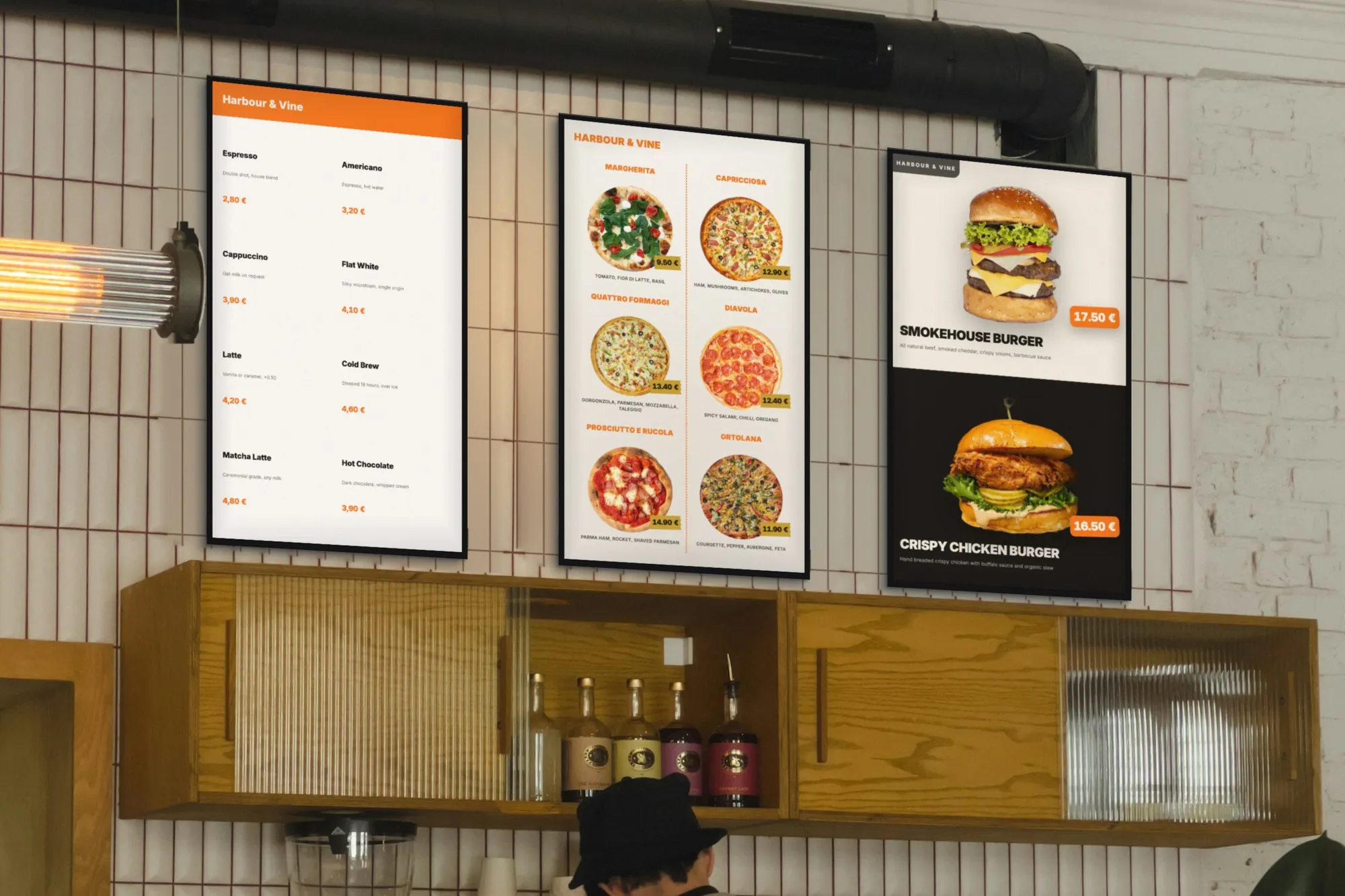 Restaurants & cafésMenus, specials and QR codes on the TVs above your counter: what goes on each screen, what to buy, how to set it up and how to change it every day.
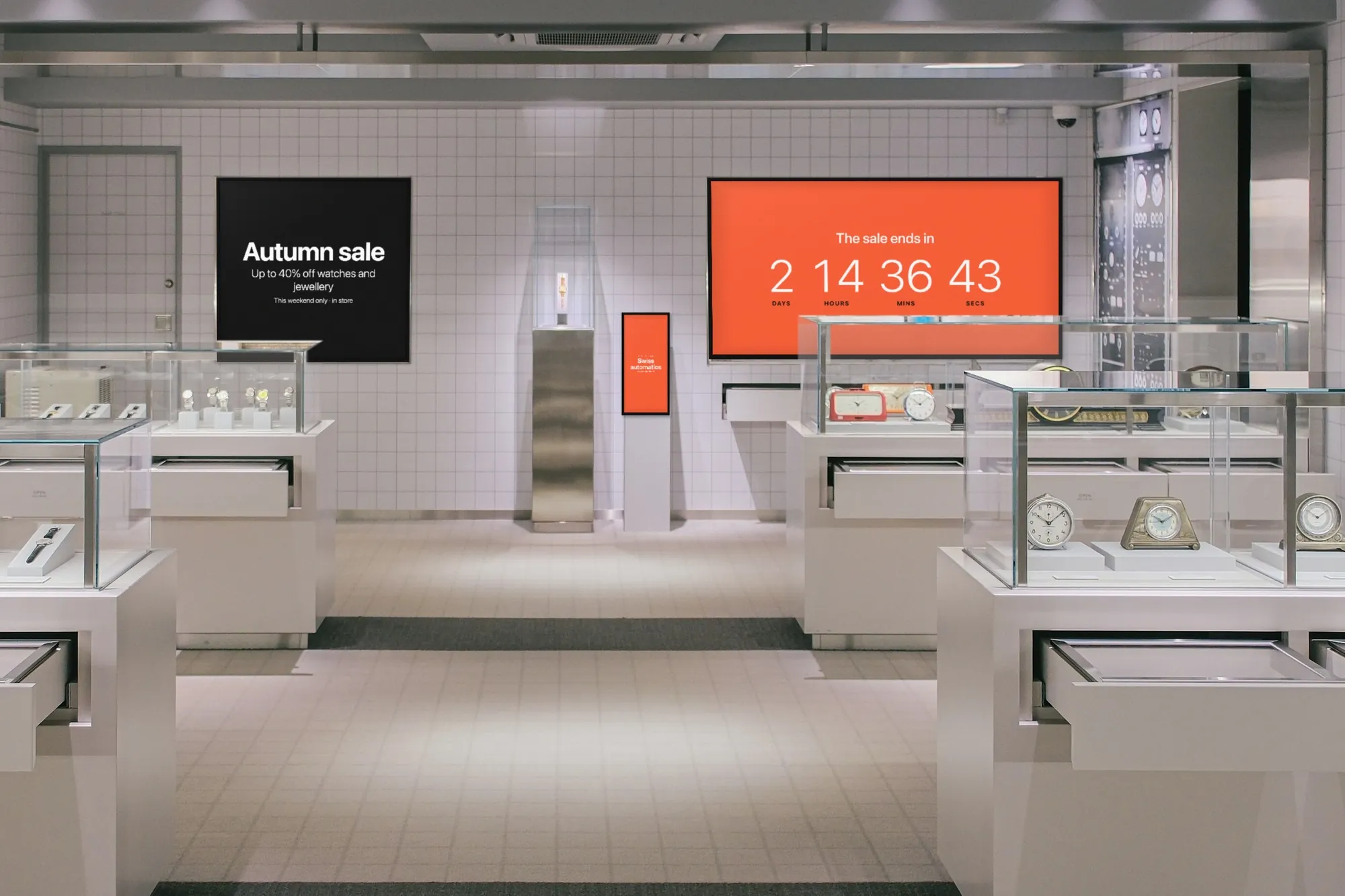 Retail storesScreens for shops, boutiques and convenience stores: sale promotions, countdowns and QR codes — what goes where, what to buy and how to set it up.
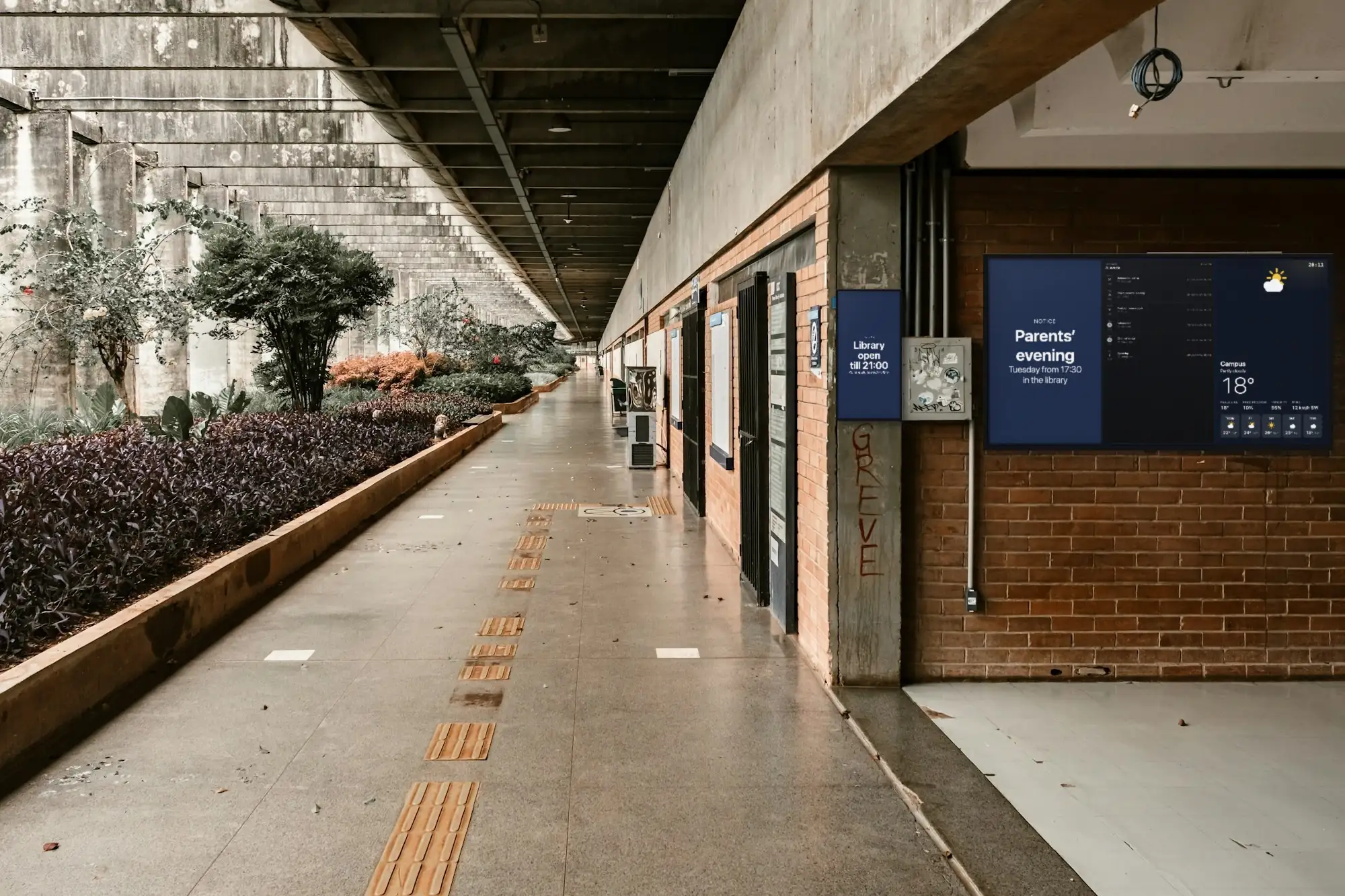 Schools & universitiesScreens in school corridors and on campus: notices, events from Google Calendar, emergency alerts — what to buy, how to set it up and keep it right.
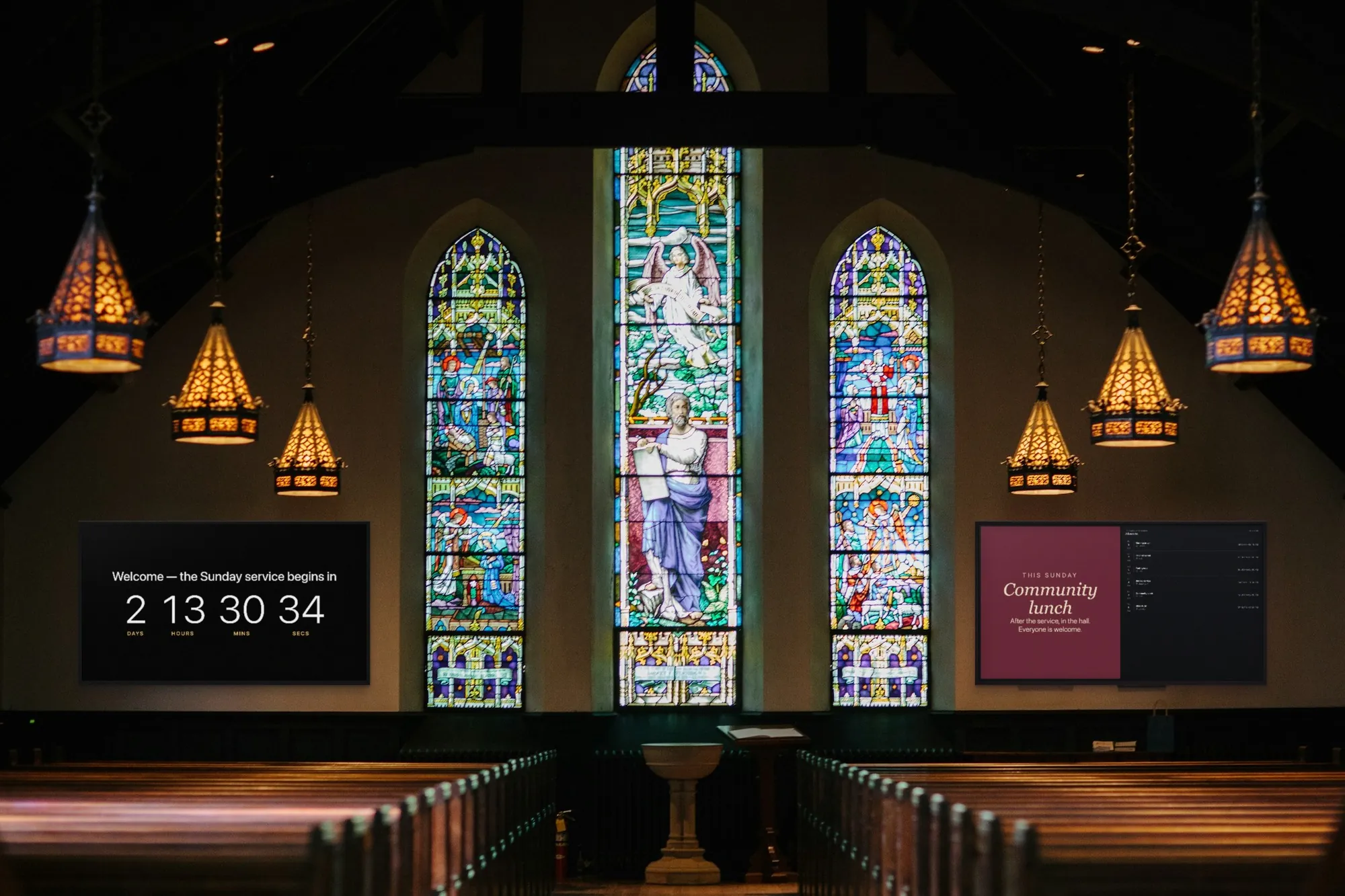 Churches & houses of worshipWelcome screens, service countdowns, events and giving QR codes in the church foyer: where screens go, what to show, how volunteers keep them current.
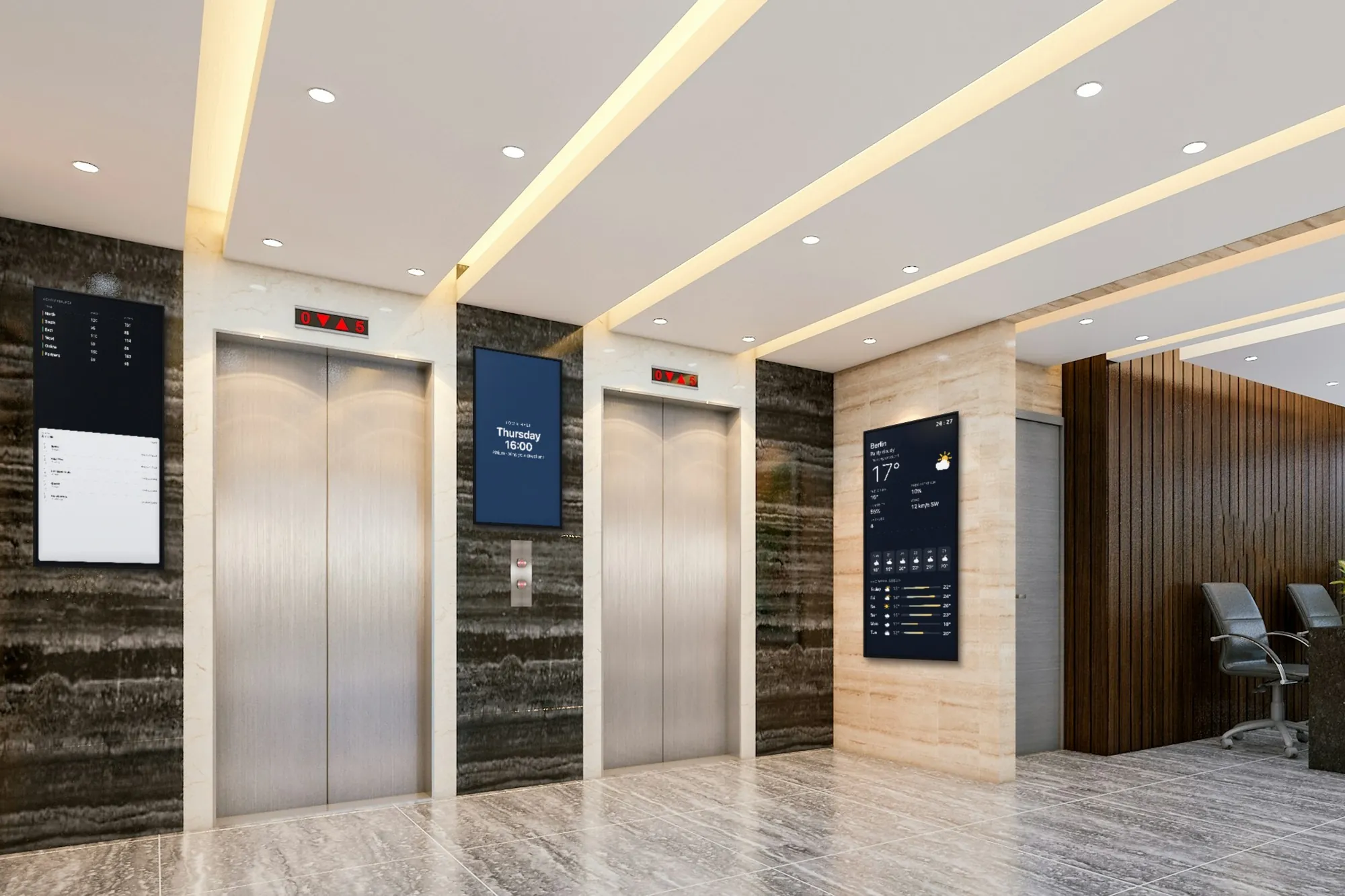 Offices & corporate communicationLobby, meeting-room and break-room screens: figures from Google Sheets, meetings from Google Calendar, notices and alerts. What to show and how to run it.
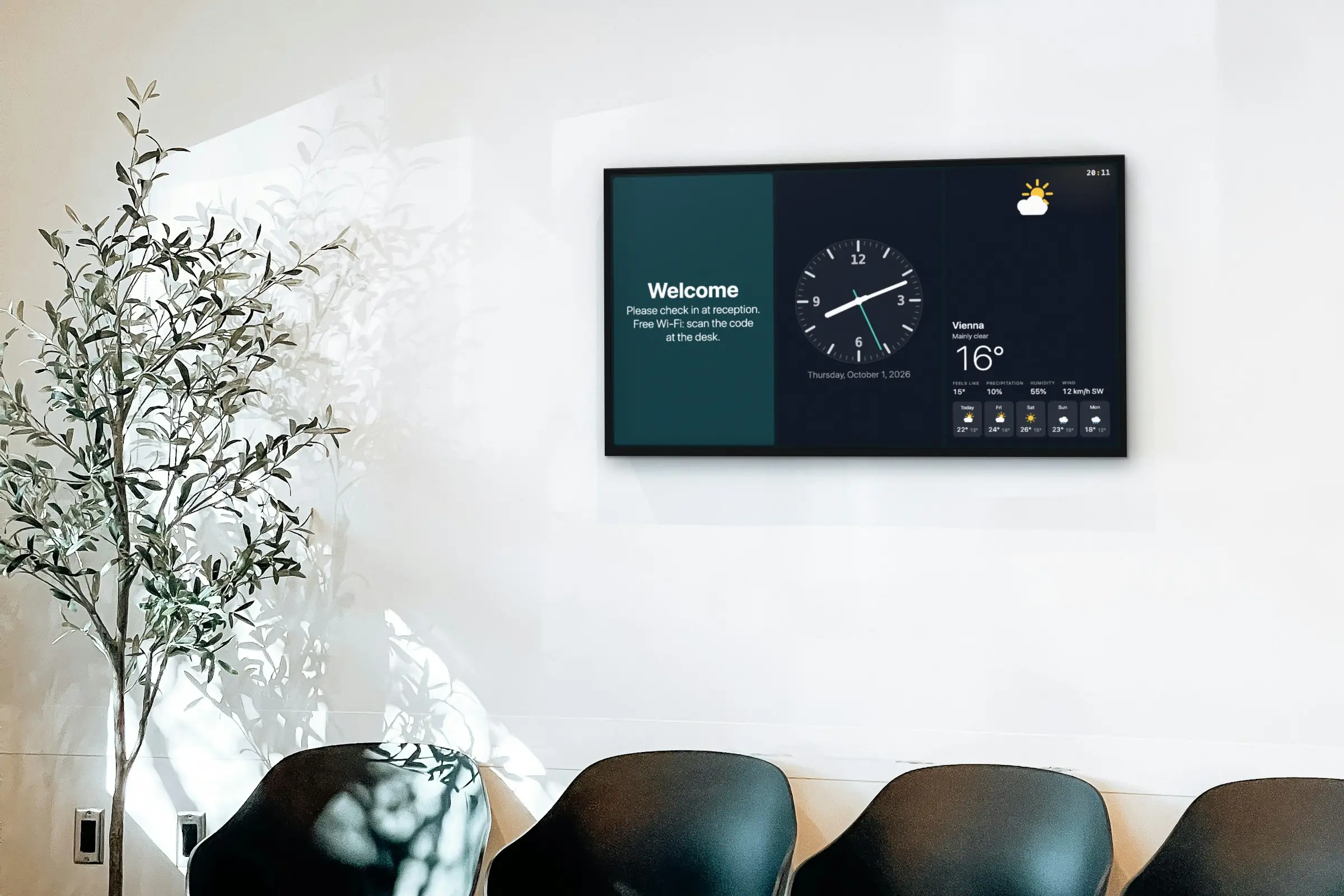 Clinics & waiting roomsHealthcare digital signage for practices and clinics: what goes on the waiting-room screen, what to buy, how to set it up and what it does not do.
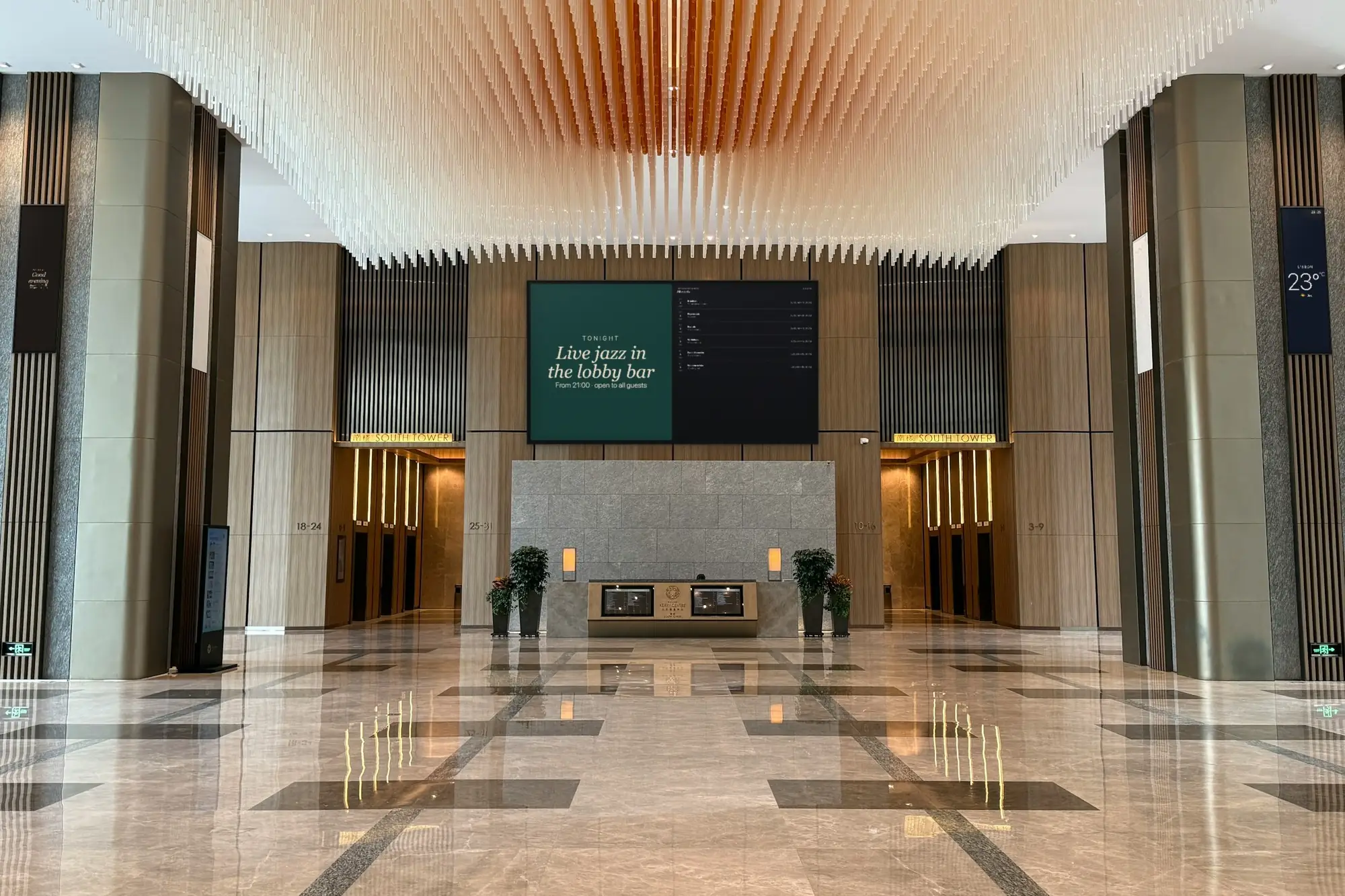 HotelsWelcome messages, today’s events, weather and Wi-Fi QR codes on the screens in your lobby, lifts and conference floor: what goes where and how to run it.
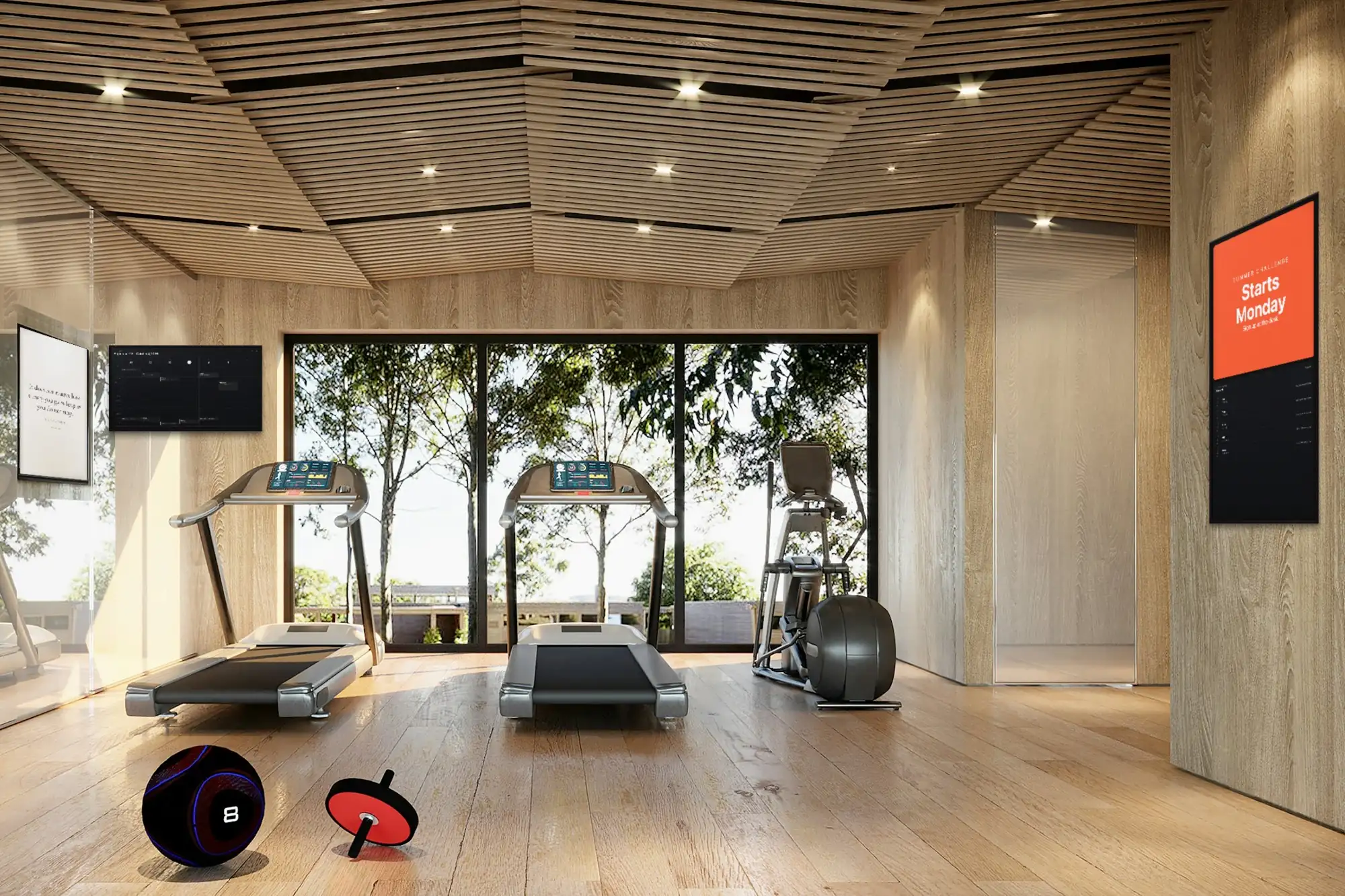 Gyms & fitness studiosClass timetables, member notices and event countdowns on your gym’s screens: where they go, what to buy, how to set them up and keep them current.
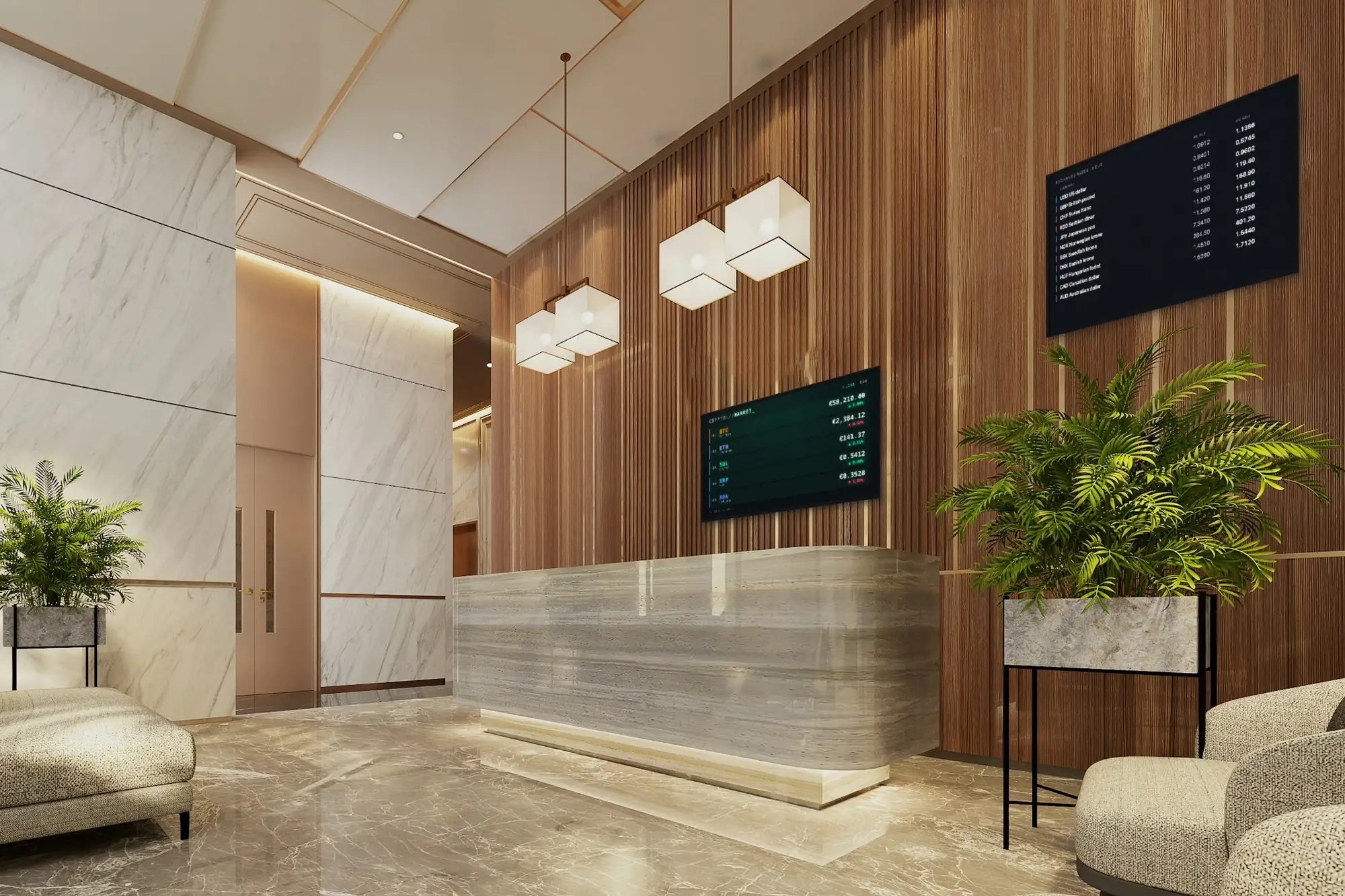 Banks & exchange officesFor bank branches, credit unions and exchange offices: an exchange rate board from a Google Sheet, offers and notices, and what the screens cannot do.
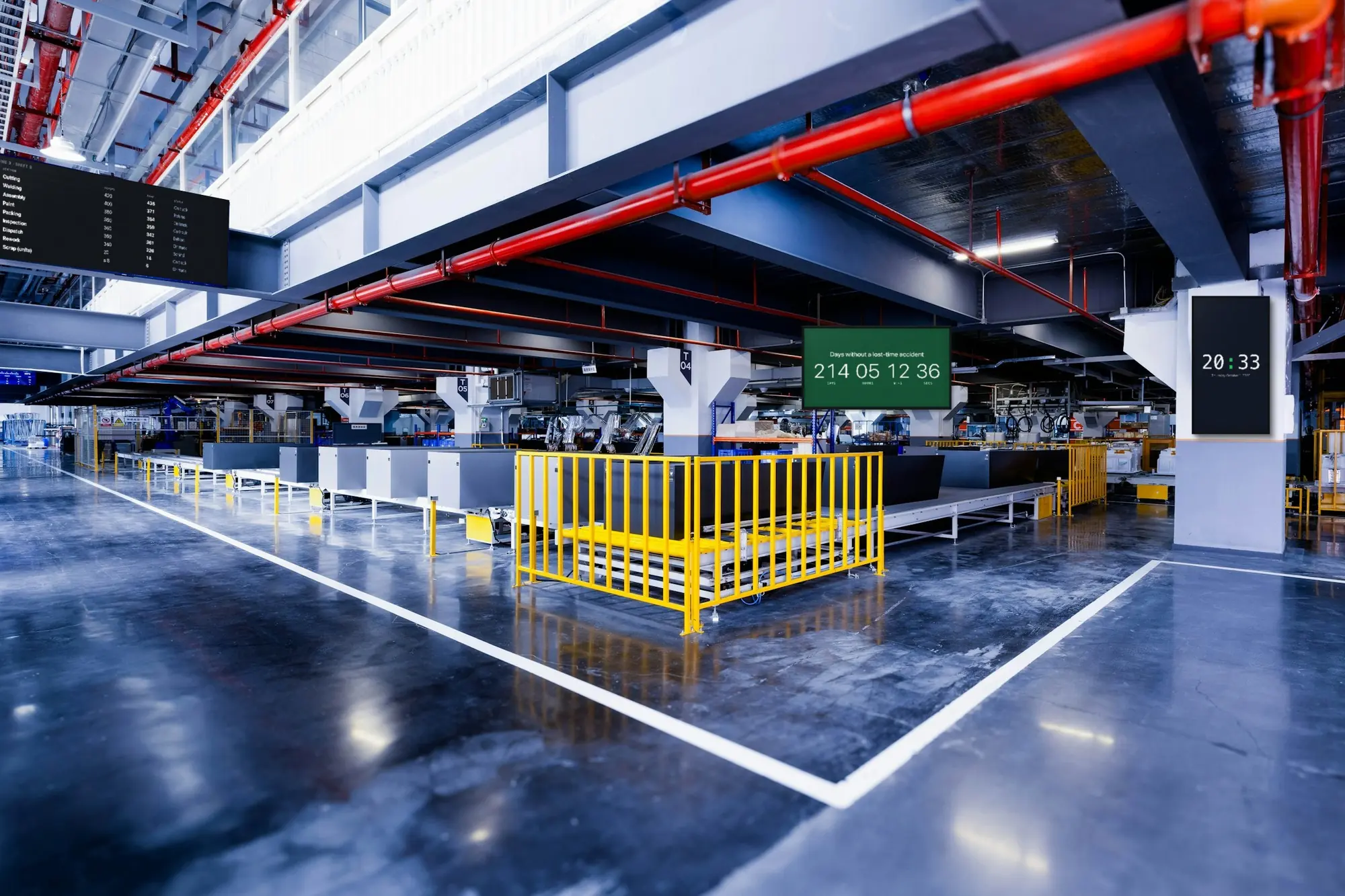 Factories & warehousesScreens for manufacturing and logistics: shift figures from a Google Sheet, days without an accident, emergency alerts, and what it takes to set up.
Not sure which page is yours?
Start from the screen rather than the industry: what it shows usually says more than what the business sells.
A menu above the counter
Dishes, prices and offers in eleven designs, on a screen hung flat or turned on its side. The menu board page shows what they look like.
Notices for staff, pupils or members
A board in a corridor or a staff room in place of the pinned paper: what goes on it, who changes it and how often.
A screen in a reception or a lobby
A welcome for visitors, the day’s meetings and notices for the people who work there.
A shop window or the till
Offers and new arrivals facing the street, or prices and promotions where people pay.
A waiting room
Opening hours, notices and something to watch while people wait to be called.
A shop floor or a warehouse
Safety notices, the shift’s targets and the day’s figures where the work is done.
Something else
Every page above runs the same product. The features page shows all of it, and the trial runs it on up to 3 screens of your own.
Questions about the solution pages
Is the software different for each industry?
No. There is one product and one plan. A solution page shows how a place like yours usually sets it up: which screens go where, which apps run on them and what changes in a week.
My kind of business is not listed. Will it work?
Very likely. The parts are the same everywhere: a playlist, working hours, and apps such as the menu board, the clock or the ticker. Try it on up to 3 screens for 21 days, or book a demo and tell us what the screens are for.
Are the places in the pictures customers?
No. Each before-and-after picture is a stock photo or an architectural rendering with real renders of the apps set into its screens, and the page captions it as an illustration.
Can one account run screens in different kinds of places?
Yes. Screens, playlists and media belong to an organisation, and every screen has its own playlist and working hours, so a café and the shop next door can run from one dashboard.
Does a solution page cost extra?
No. A solution page is a guide to setting up the same product for one kind of place. Every feature it mentions is in the one plan, at €14 per screen a month, and in the 21-day trial.
Three steps between a blank TV and a live one.
No server to run, no licence per seat, nothing to install on your network. A display, a power socket and an internet connection.