Blog
Digital signage, explained plainly.
What it costs, what to buy, how to set it up and what to show once the screen is on the wall — written for the person who has to make it work.
 IndustriesWhat to show on church digital signage, and how volunteers keep it currentWhat to show on a church lobby screen, how volunteers keep it current, QR codes for giving and sign-ups, and what one screen costs to run each year.
 IndustriesGym digital signage ideas: what to show, where, and who runs itWhat to put on gym screens at reception and on the floor: class timetables, challenges, countdowns and offers, plus working hours and hardware that lasts.
 How-toMeeting room display: show a room's Google Calendar by the doorPut a room's bookings on a screen by the door with Google Calendar: read-only, details hidden when you want, and two rooms on one screen.
 IndustriesInternal communication screens for staff away from a deskHow to reach warehouse, factory and shop staff who never see email: where to put screens, what to show, and who keeps them current.
 GuidesDigital signage software for small business: 7 things to compareA small business checklist for digital signage software: the real price (€14 a screen with FizzSigns), your TV, offline play, quick changes and support.
 How-toOffice TV dashboard: how to put your KPIs on a wall screenTwo ways to put KPIs on an office TV: a live table from Google Sheets, or a dashboard's public link. What works, what shows blank, and why.
 IndustriesWhat hotel digital signage should show: lobby, meetings, restaurant and liftsLobby, meeting floor, restaurant and lifts: what hotel screens should show, how to reach guests in several languages, and what each screen costs.
 Content and designDigital signage examples: 10 settings and what to showTen digital signage examples by setting, from café menu boards to factory floors: what goes on the screen, why it works and what to watch out for.
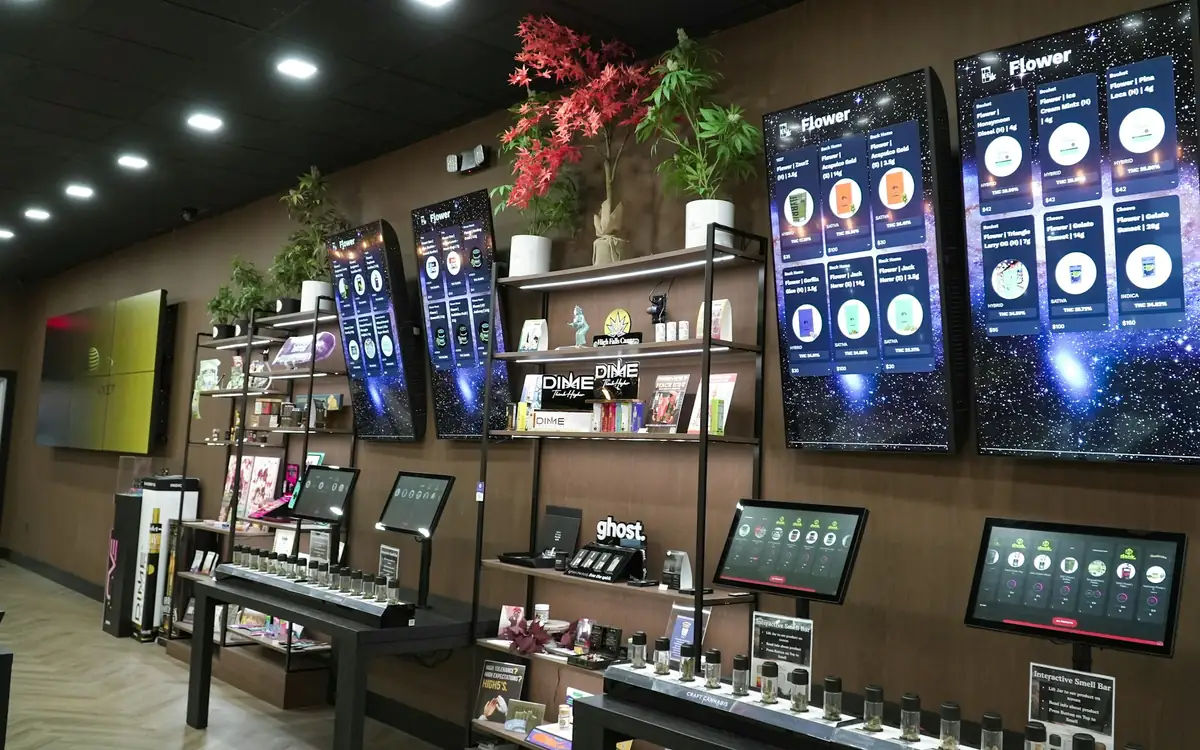 GuidesBenefits of digital signage, and the honest downsidesWhat a screen does better than a printed poster, from changes in seconds to proof of play, and the costs and chores that come with it before you buy.
 HardwareDigital signage screen size: how big should the screen be?Pick a signage screen size from viewing distance: a table by diagonal, examples by room, portrait or landscape, and why brightness beats 4K.
 IndustriesRetail digital signage ideas: what to show in the window, at the till and on the floorWhere screens earn their place in a shop, how bright a window screen must be, promotions, QR codes, and running many stores from one dashboard.
 HardwareFire Stick digital signage: can a Fire TV Stick run your screen?Which Fire TV Sticks can install a signage app at all, what goes wrong on a screen nobody watches, and when an Android TV box is the better buy.
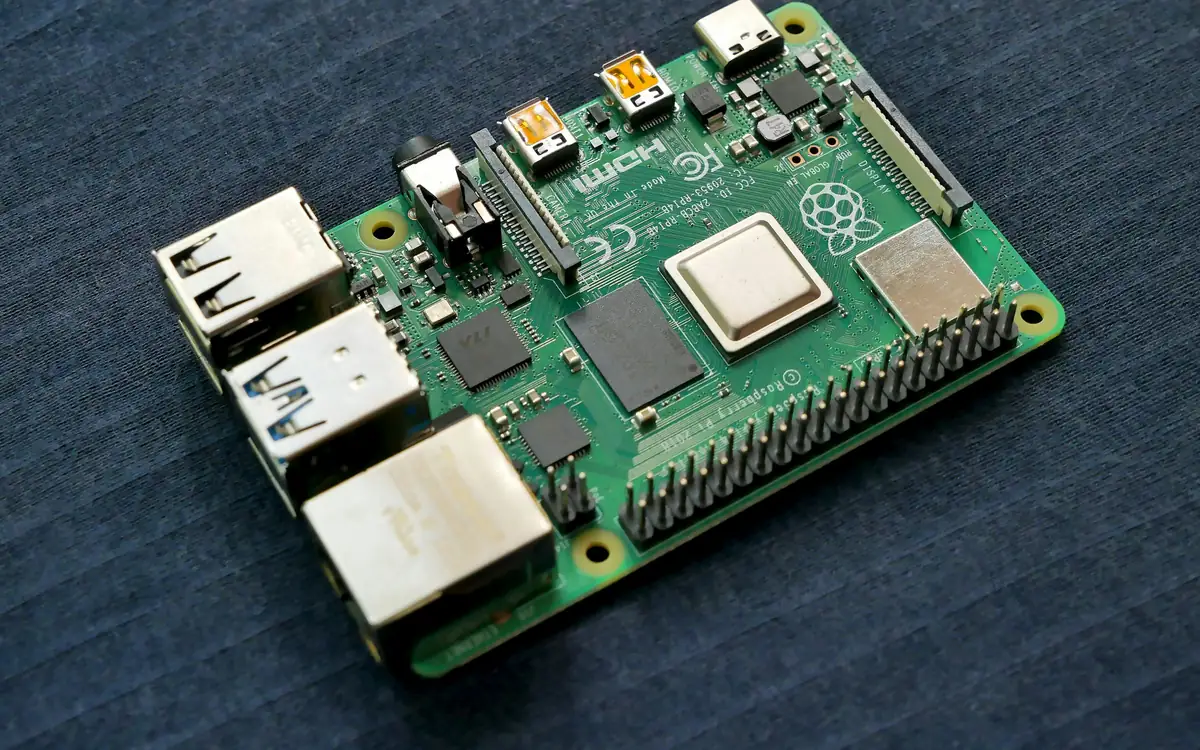 HardwareRaspberry Pi digital signage: when it is worth the effortWhen a Raspberry Pi makes sense for signage, what it costs in time (power, SD cards, heat, updates) and how it compares with an Android box.
 Content and designDigital menu board design: how to make a menu people can readDesign rules for a digital menu board: size for the queue, one category per page, photos and cut-outs, prices, light or dark, portrait or landscape.
 Content and designDigital Signage Design: 12 Rules for Screens Read Across a RoomTwelve rules for screens read from across a room: type size by distance, contrast, time per slide, motion, safe margins and portrait layouts.
 GuidesYodeck alternative: FizzSigns and Yodeck comparedFizzSigns and Yodeck side by side: price per screen, players, apps, scheduling, offline playback and data, and where Yodeck is the better choice.
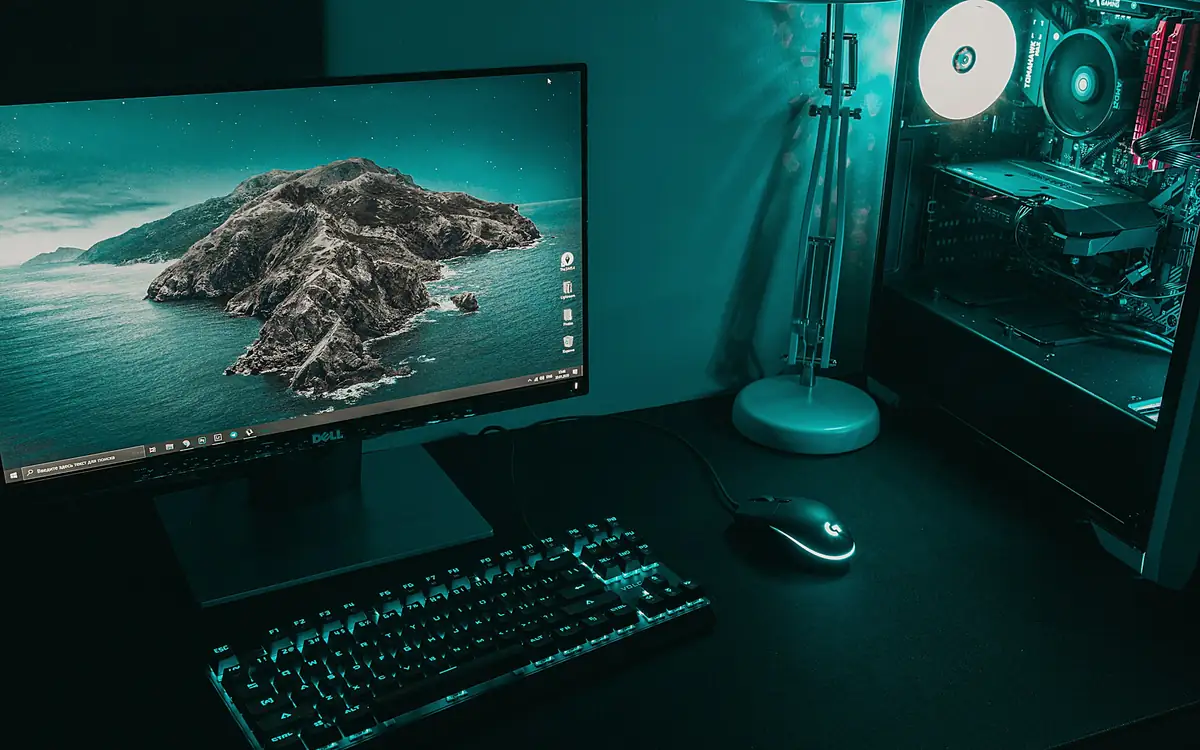 HardwareHow to set up a Windows PC for digital signage that runs by itselfSet up a Windows PC to run a signage screen alone: its own account, automatic sign-in, no sleep, power-on after a cut, silent installs and updates.
 GuidesVertical digital signage: when to turn the screen on its sideWhen a portrait screen beats landscape, which displays may hang on their side, how to mount and rotate one, and what content works in a tall frame.
 GuidesCloud-based digital signage: how it works and what to ask a vendorHow cloud-based digital signage works, how it compares with on-premise, what a screen does when the internet drops, and what to ask on security and GDPR.
 IndustriesWaiting Room TV Content: What to Show and What to Leave OffWhat to put on the TV in a clinic, dental practice, vet or service-desk waiting room, what to leave off, and how to handle sound, pacing and privacy.
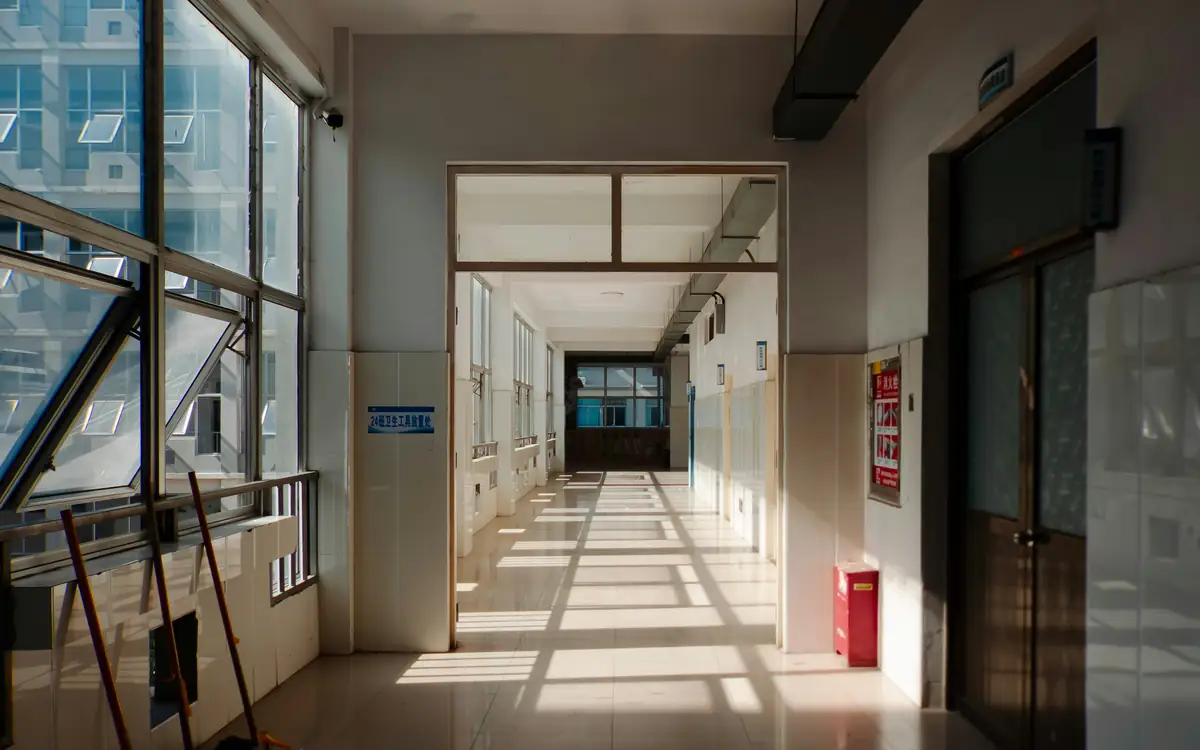 IndustriesWhat to show on school digital signage, and who keeps it currentWhat to put on school corridor, reception and staff room screens, who keeps them current, and how to run them on a school budget with the TVs you have.
 How-toHow to display Google Slides on a TV: four ways comparedCasting, a laptop on HDMI, Publish to the web or a signage app: what each is good for, and how to loop a private deck that updates itself.
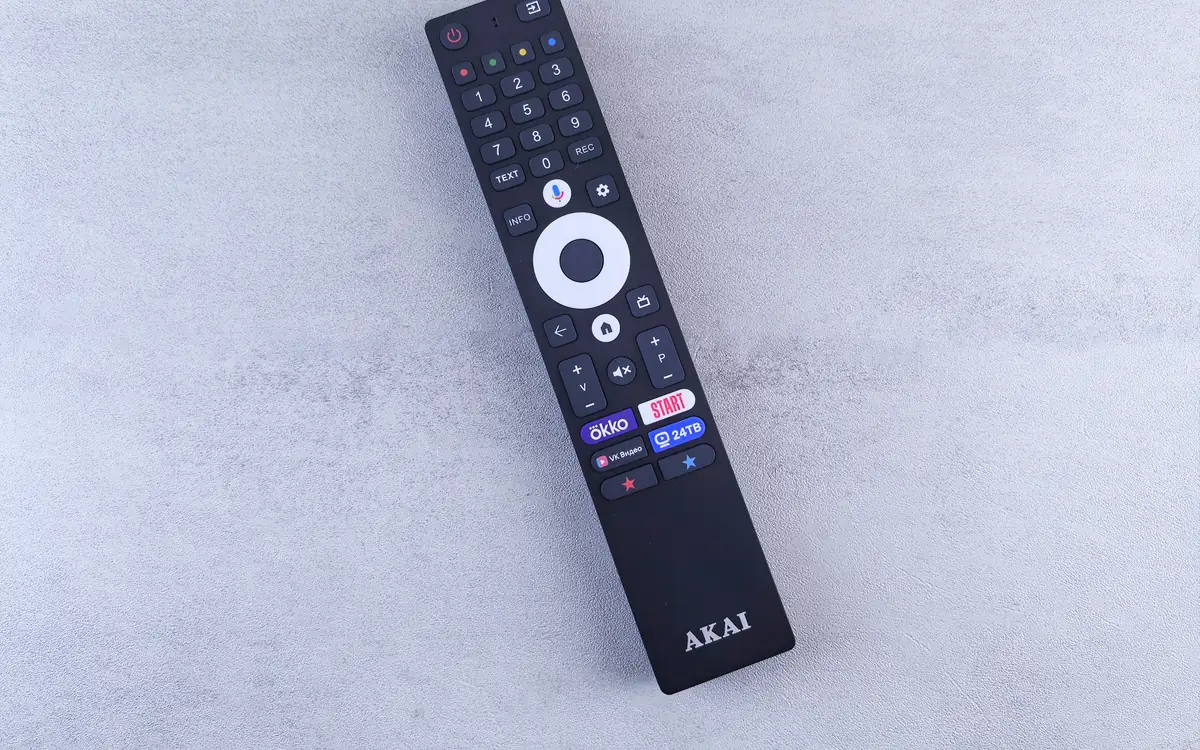 HardwareAndroid TV box for digital signage: what to buy and what to skipWhat an Android TV box for digital signage needs, what to skip, how the app holds the screen in kiosk mode, and how to test one before buying twenty.
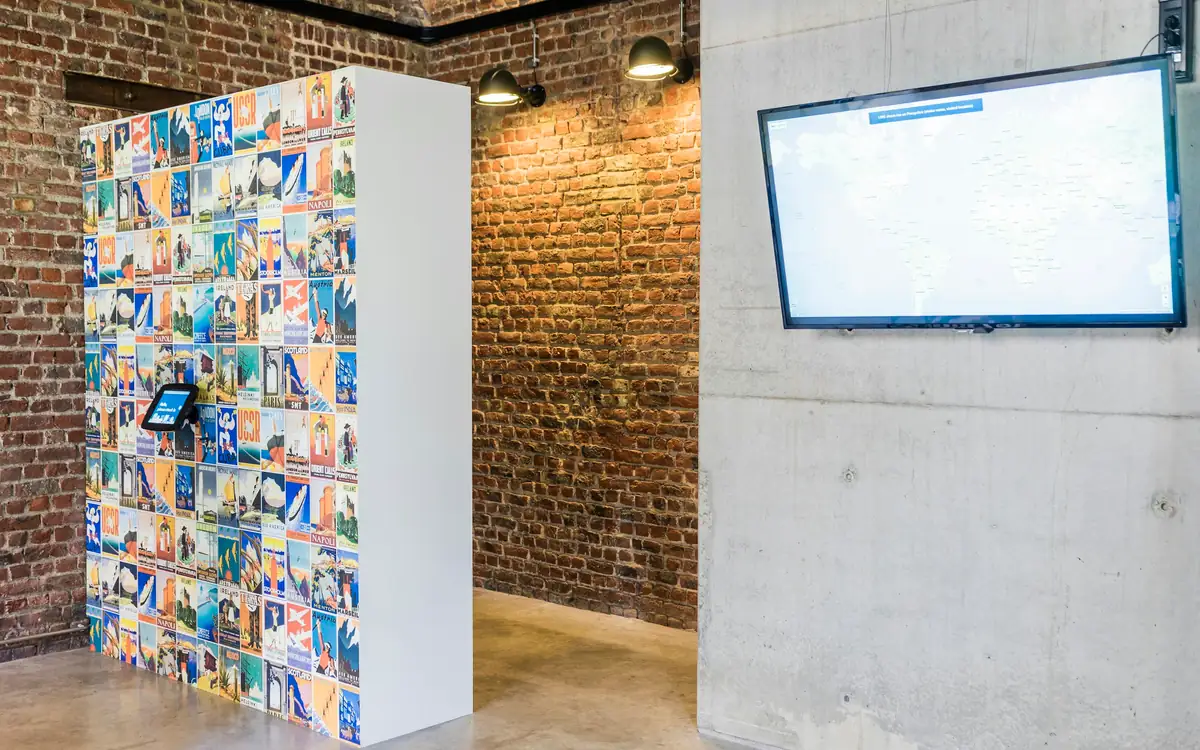 HardwareDigital signage display vs TV: when a consumer TV is enoughWhat a commercial display does that a consumer TV does not: hours, brightness, warranty, power and portrait. And when the TV you have is fine.
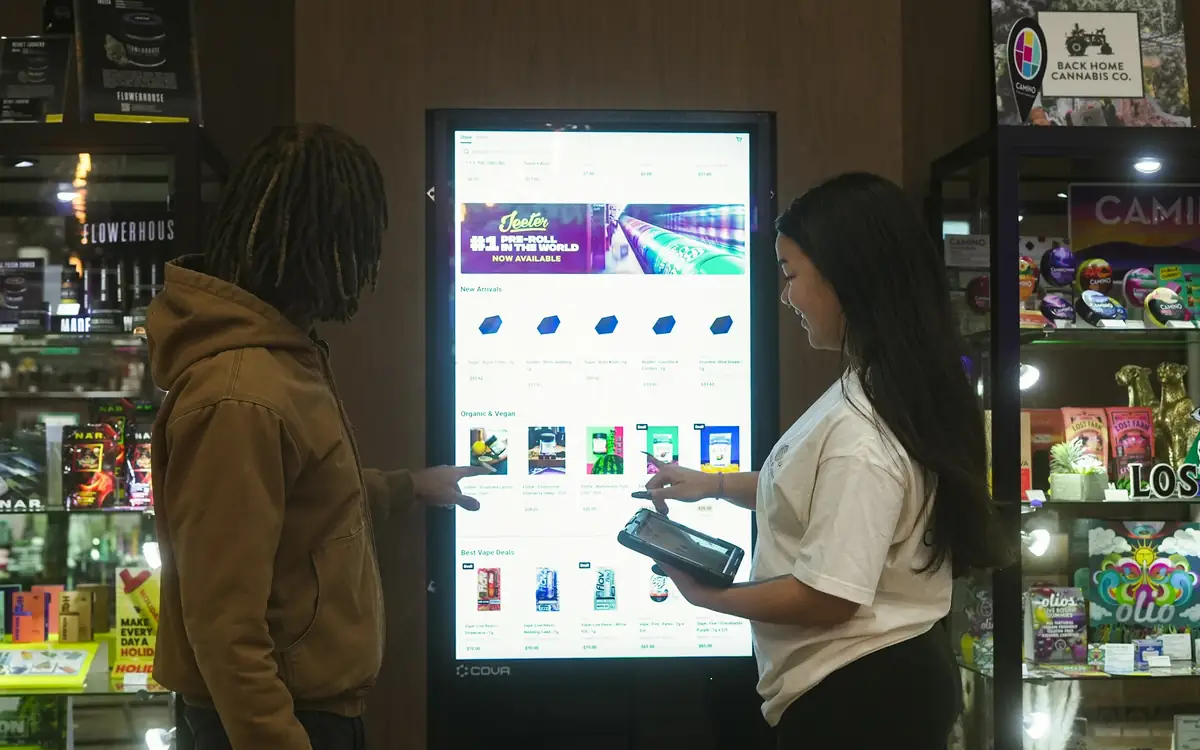 GuidesWhat is digital signage? A plain-English guideDigital signage in plain English: the five parts behind every screen, what people use it for, what it roughly costs and how to start with one screen.
 GuidesHow much does digital signage cost? A per-screen breakdownWhat one screen really costs: display, player, mount, software, content time and power, with worked examples for one screen and for twenty.
 GuidesHow to set up digital signage: from a blank TV to a playing screenEight steps from a blank TV to a screen that runs itself: pick the display and player, install, pair with a code, build a playlist, set hours, test.
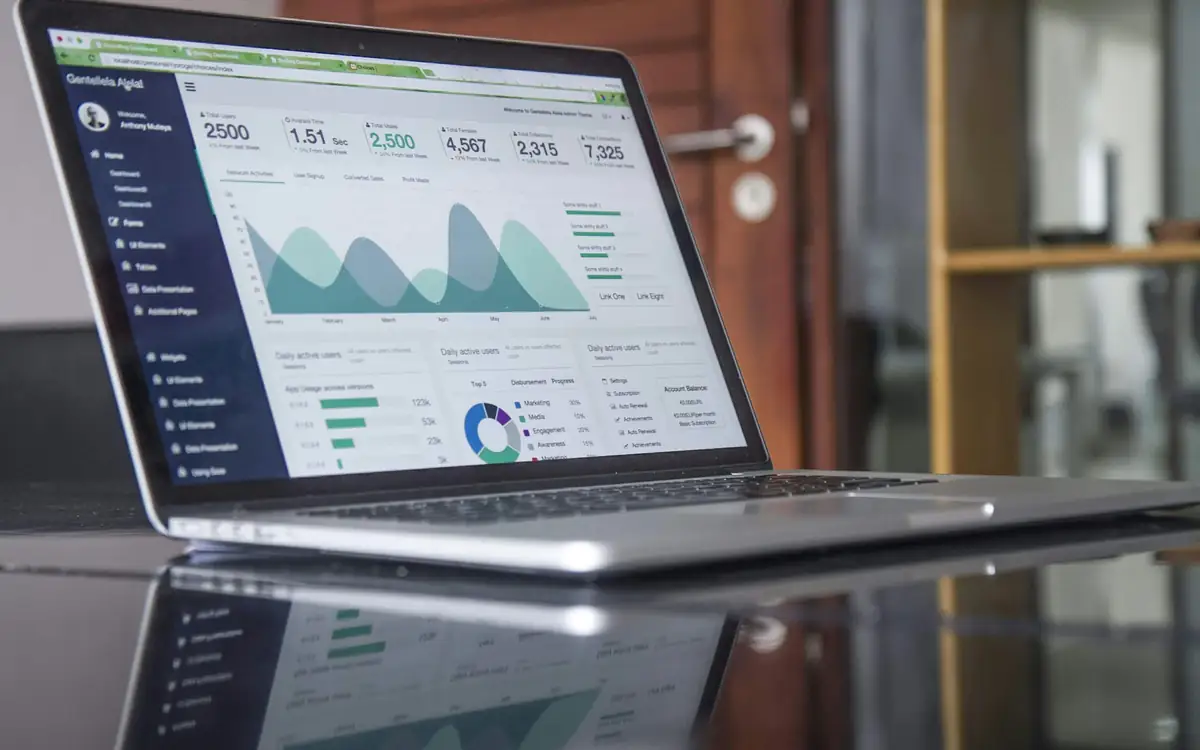 GuidesHow to choose digital signage software: 10 questions to askTen questions to ask before you choose digital signage software: offline playback, scheduling, hardware, three-year cost, reports, GDPR and lock-in.
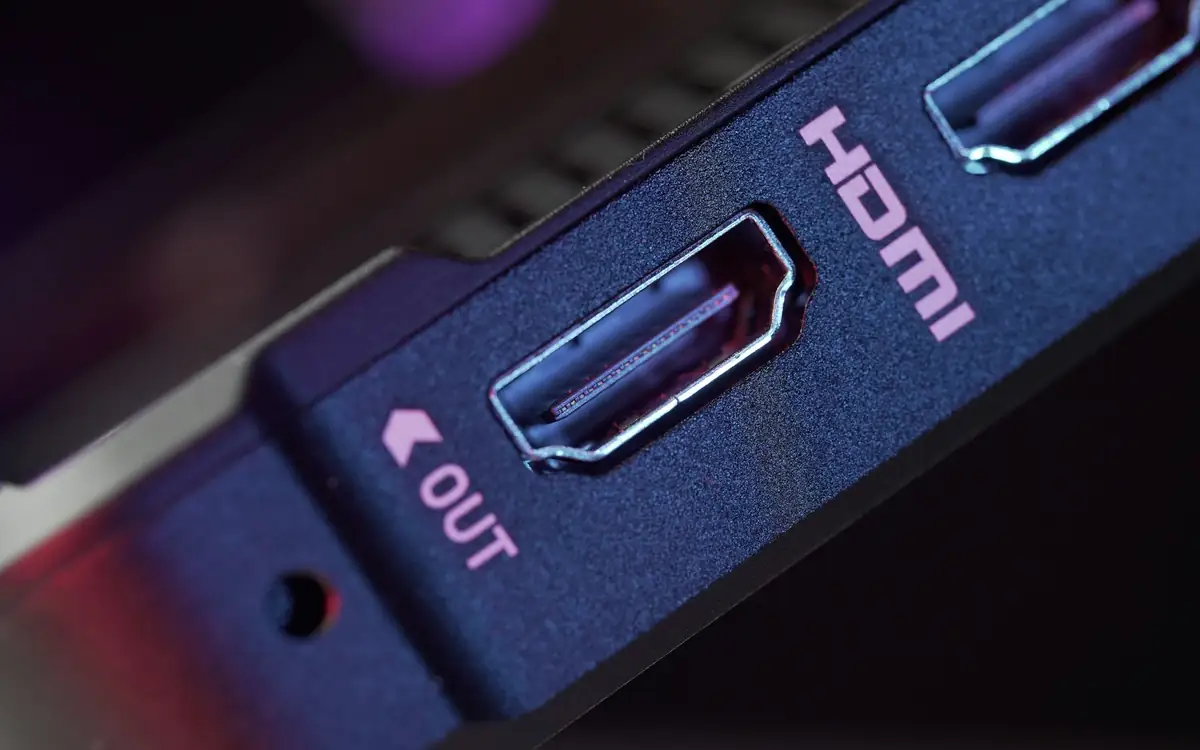 HardwareDigital signage player: the five kinds and the specs that matterWhat a digital signage player does, the five kinds (box, stick, computer, built-in, browser), the specs that matter and what to avoid buying.
 GuidesFree digital signage software: what free really costsFree digital signage software compared: USB sticks, open source and free plans, what each costs in time, and the routes to signage without a subscription.
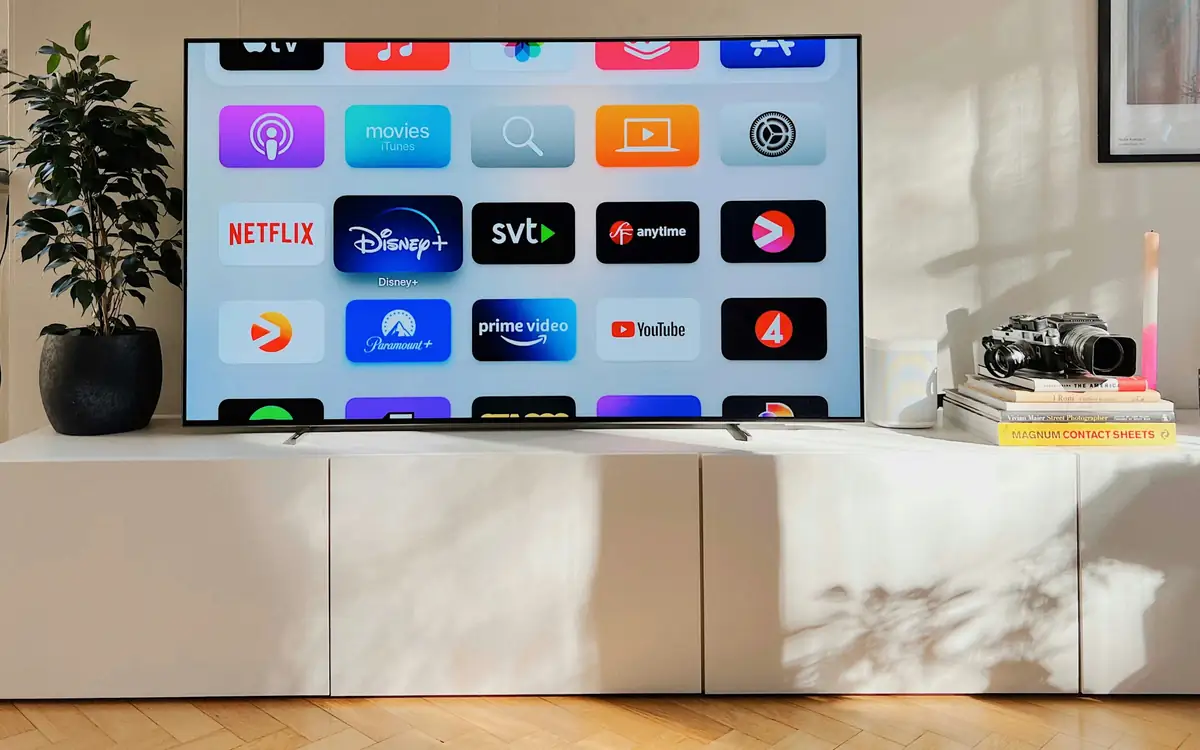 HardwareSmart TV digital signage: which TVs can run it on their ownWhich smart TVs run digital signage by themselves, when a Samsung or LG needs an Android box, and where a USB-stick slideshow stops being enough.
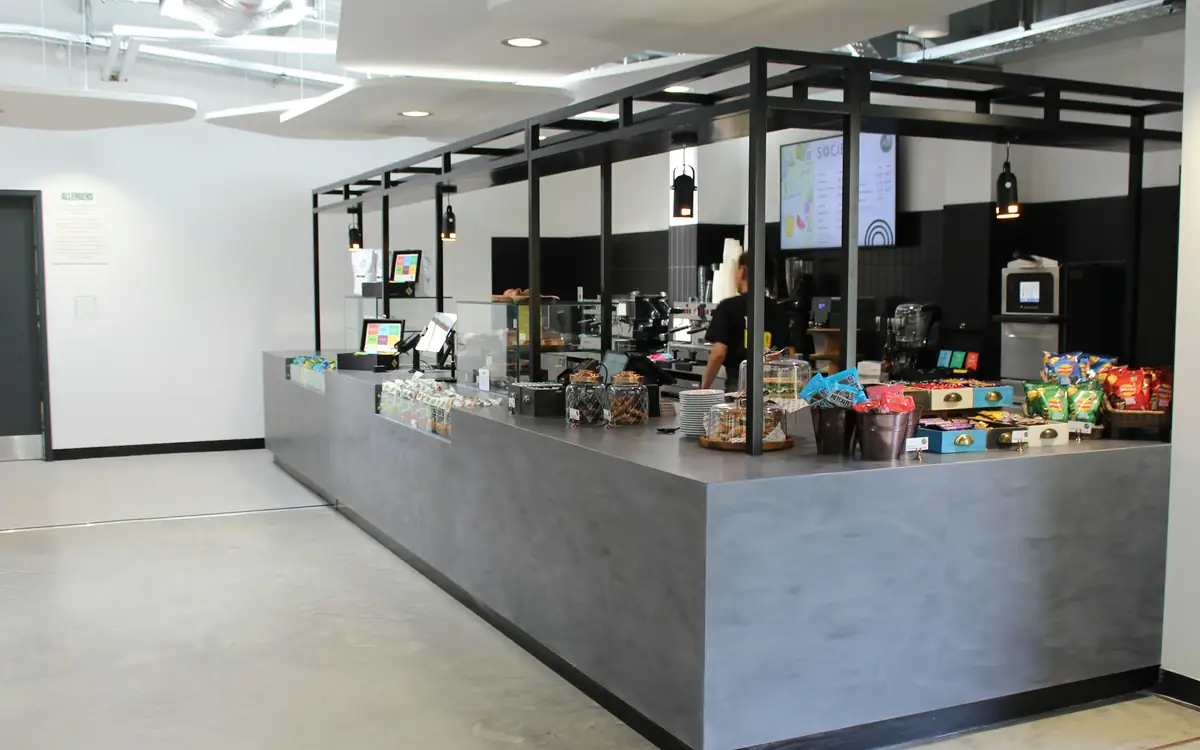 Content and designDigital Signage Content Ideas: 60 Things to Show, and How to Make Them60 digital signage content ideas grouped by goal, from opening hours to QR codes, each with how to make it: an app, an image or a short video.
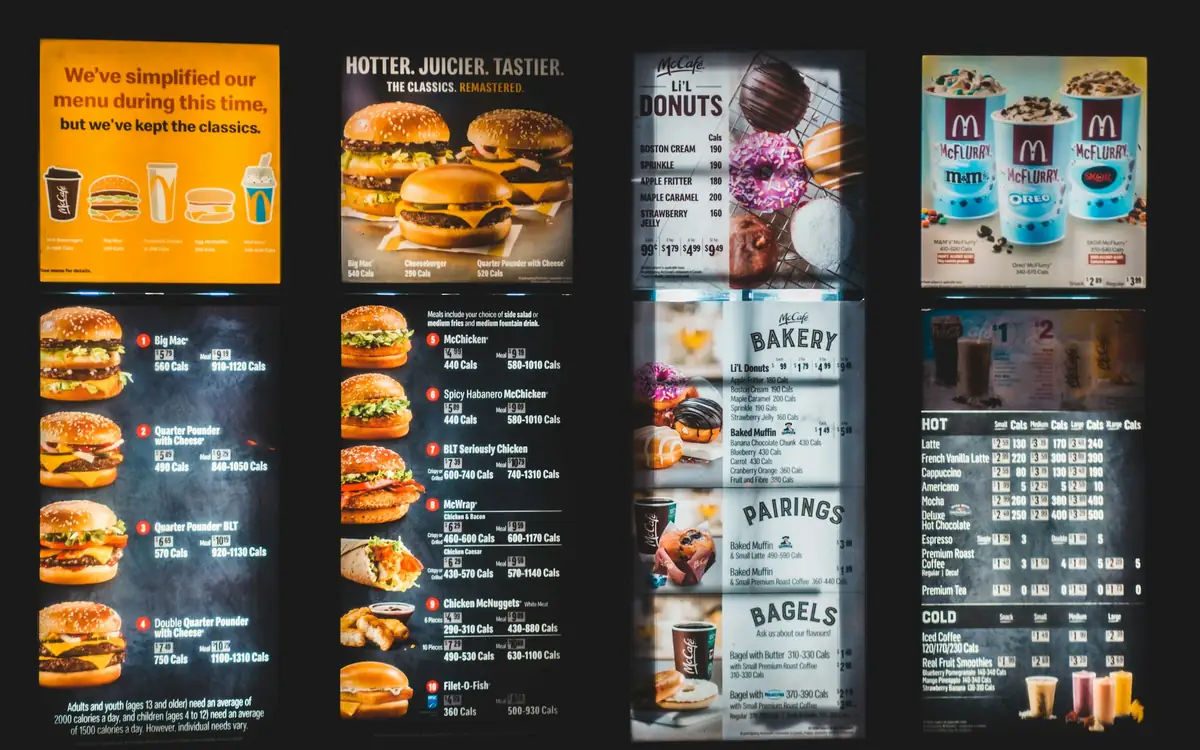 IndustriesHow to make a digital menu board: a guide for restaurants and cafésWhat you need for a digital menu board, how to lay out the menu, switch from breakfast to lunch, and keep it playing when the internet drops.
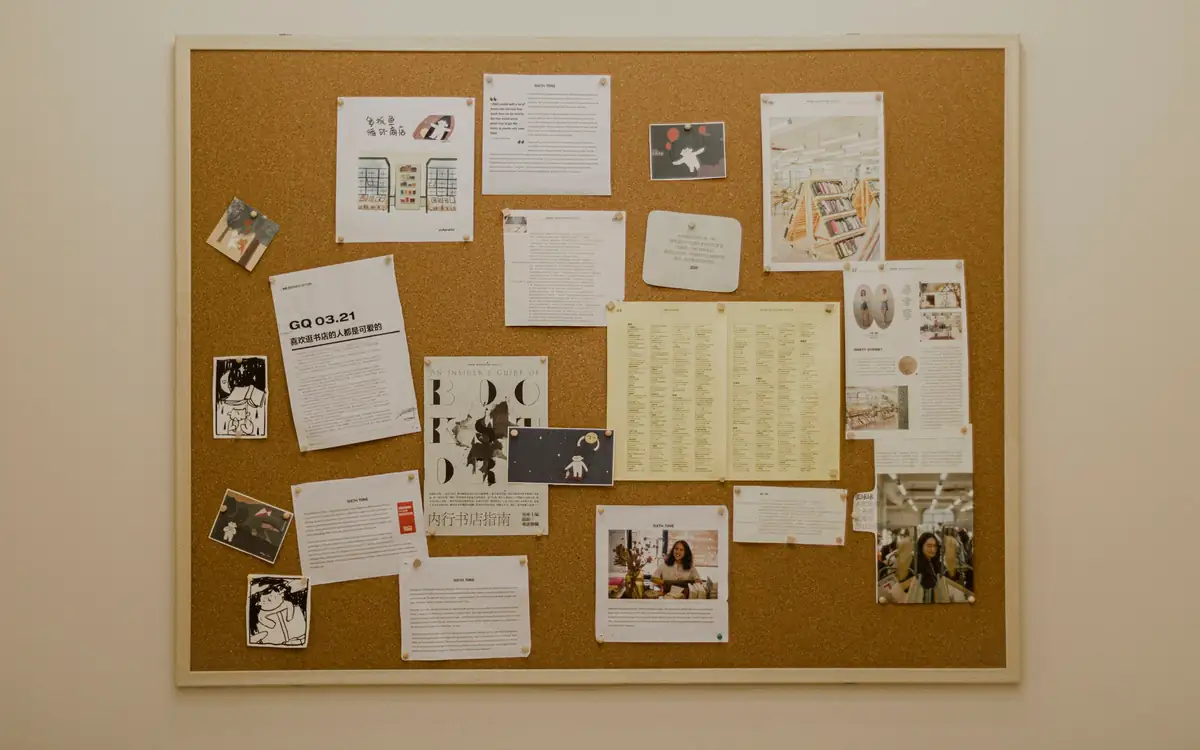 GuidesDigital bulletin board: how to replace the paper notice boardHow to swap a paper notice board for a screen: what to post, who can post, how old notices come down, and what one screen costs to run.
Try it on a screen you already have
Twenty-one days with every feature, on a TV and a browser you already own. No card to start.