Digital signage hardware that works — from a company that sells none.
The player is a web application, so the hardware question is smaller than vendors make it sound. Buy locally, keep the warranty close, and spend the money on the display rather than on the player.
Samsung or LG TV? Add an Android box for €40 – €120.
Samsung (Tizen) and LG (webOS) TVs do not run the FizzSigns app yet. A small Android box on the HDMI port does: the TV shows the picture and the box plays your content.
Works on almost any Android box
One app runs on Android 8 or newer: Android TV and Google TV boxes and sticks, displays with Android built in, and tablets. Look for 2 GB of RAM and, where you can, wired ethernet.
A common choice
The Xiaomi TV Box S (2nd Gen) is in most European electronics shops for about €65. It has 2 GB of RAM and runs Google TV. It has no ethernet port; a USB adapter adds one.
Plug it in and pair it
Connect it to HDMI and power, install the FizzSigns app from the download page and pair it with the code on screen. Then switch on auto-recovery in its service menu, so it comes back by itself after a power cut.
Four ways to run a screen
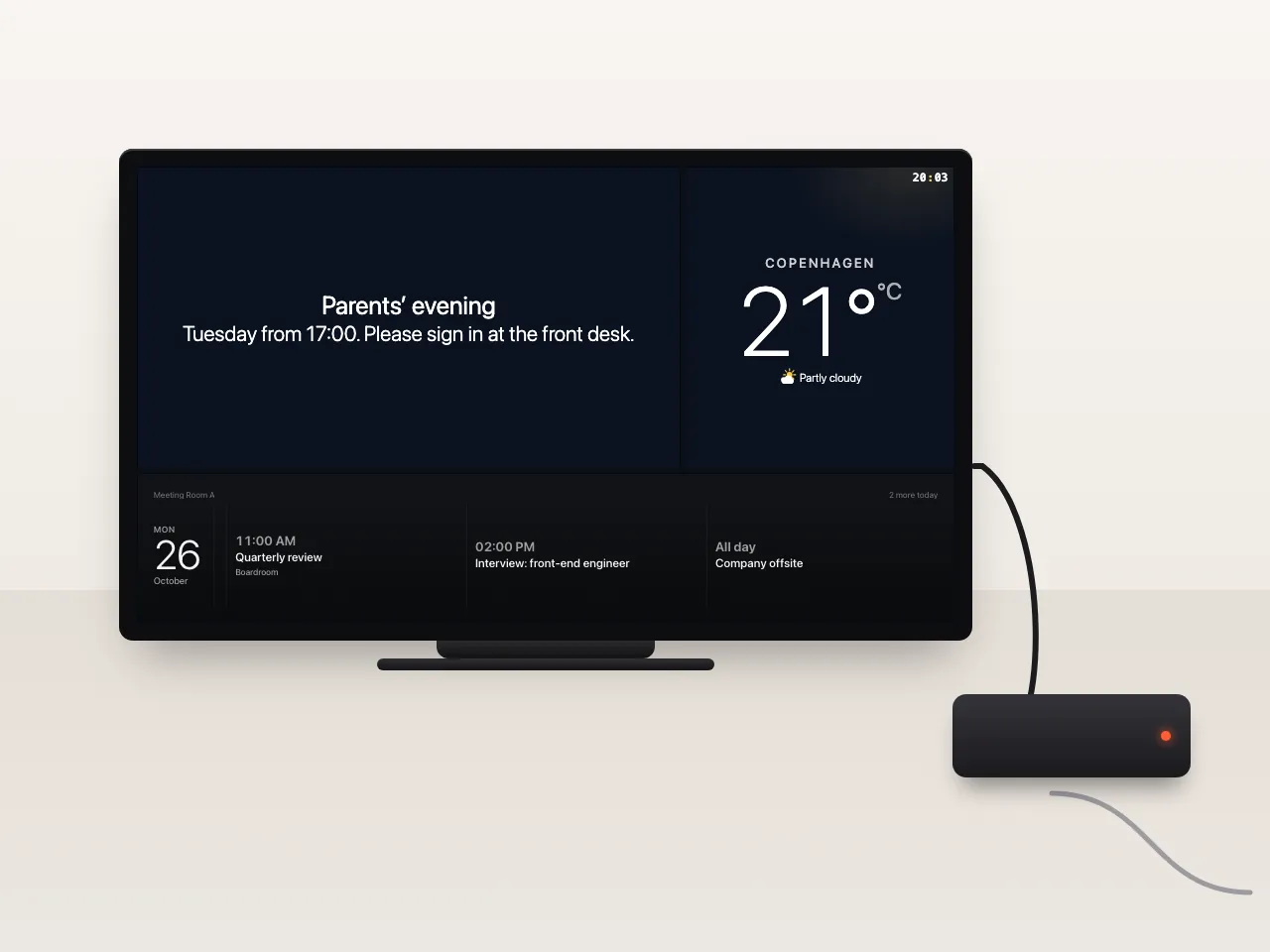
Android TV box or stick
The usual choice. Install the FizzSigns APK, plug it into HDMI, and leave it. Look for 2 GB of RAM or more, Android 8 or newer, wired ethernet if you can get it, and a device that boots straight back up after a power cut.
Recommended for most screens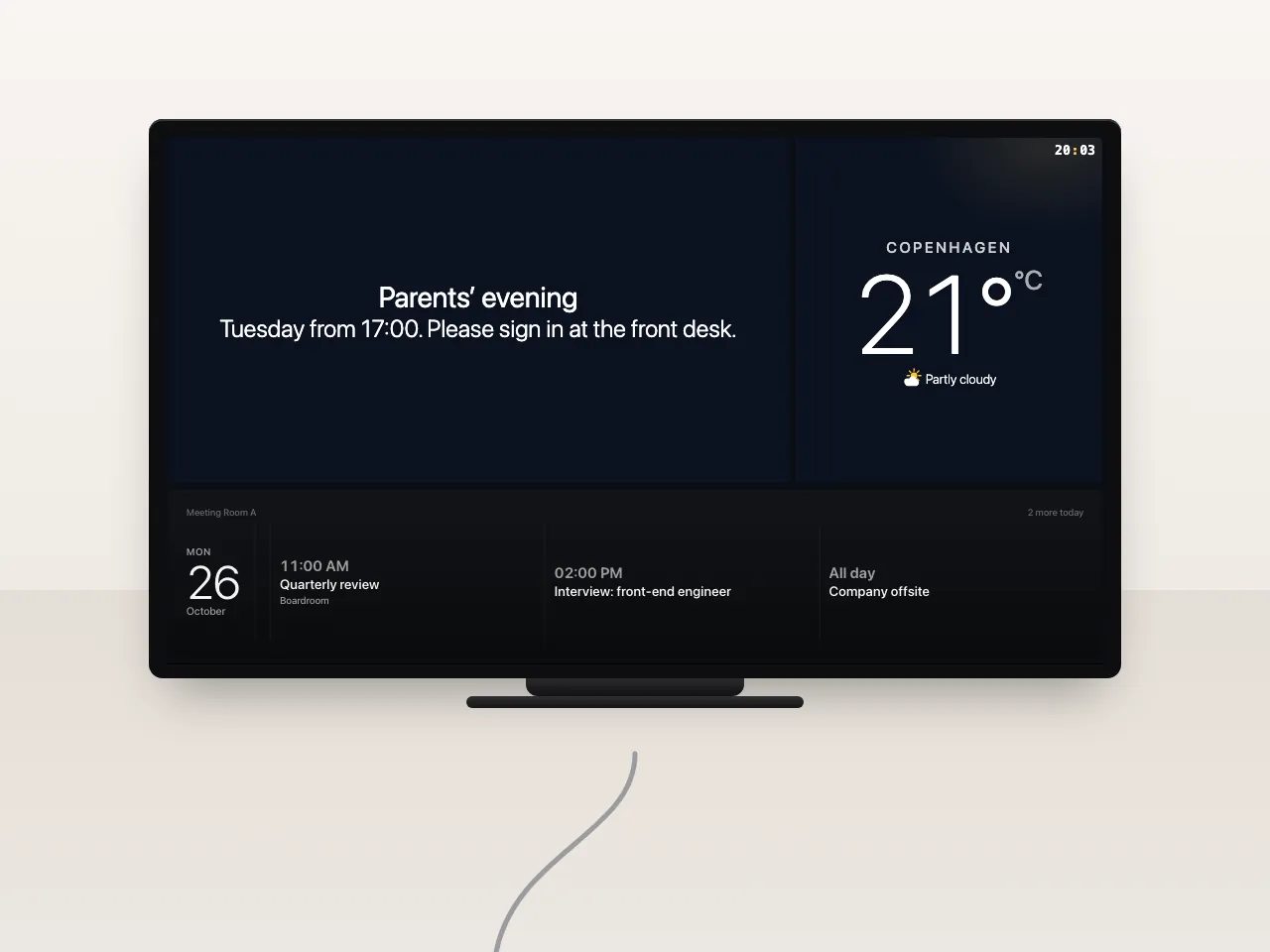
An Android display or tablet
A panel that runs Android itself takes the APK directly — no box, no second power supply, no cable behind the screen to pull out by accident. The same goes for a tablet used as a small counter display.
Fewest moving parts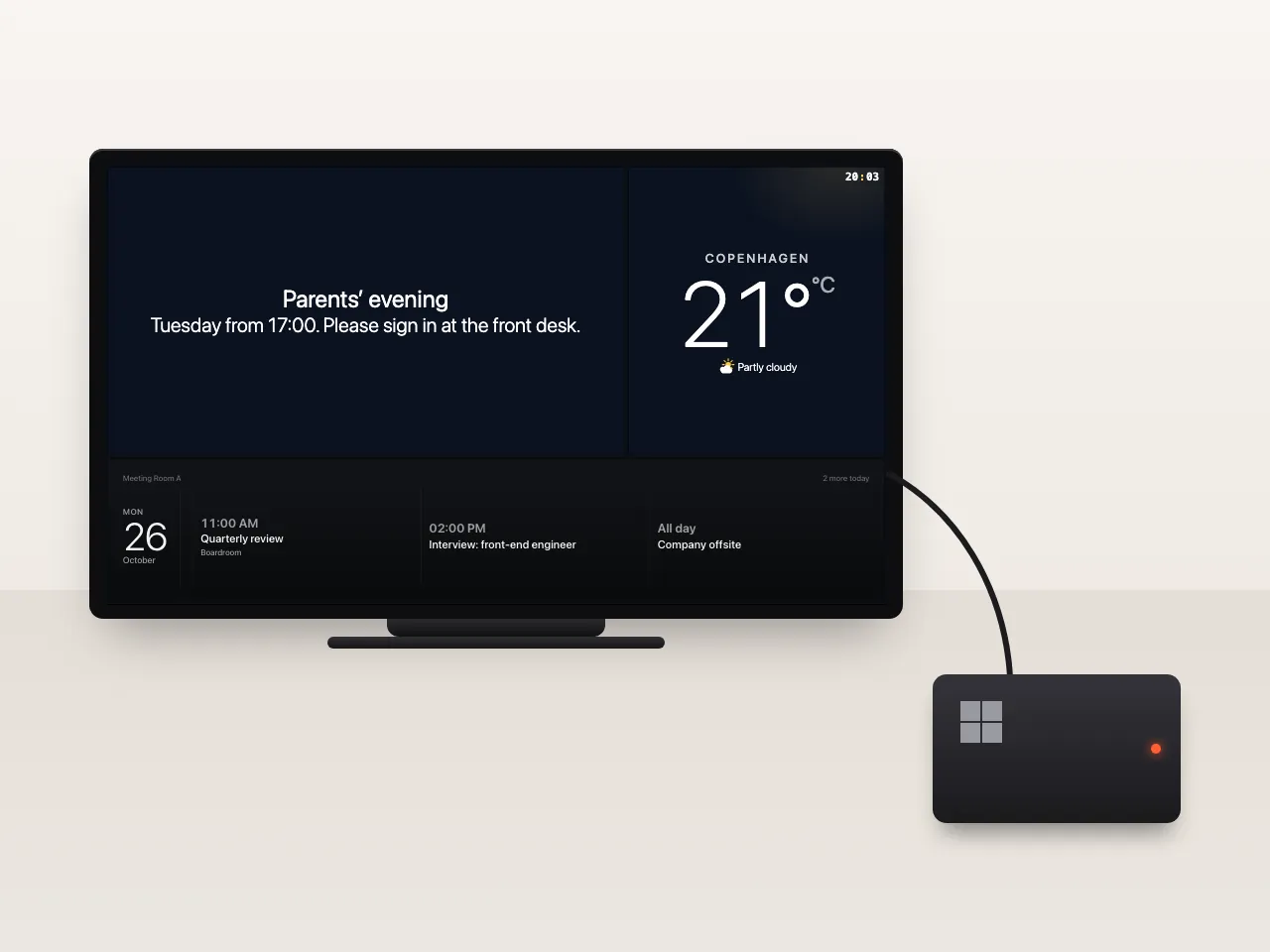
A Windows computer
A Windows PC runs the FizzSigns app: full-screen and kept on top, started at Windows sign-in, back on its own after a crash. It puts a computer you already own to use, including one already under the counter.
Free if you already have one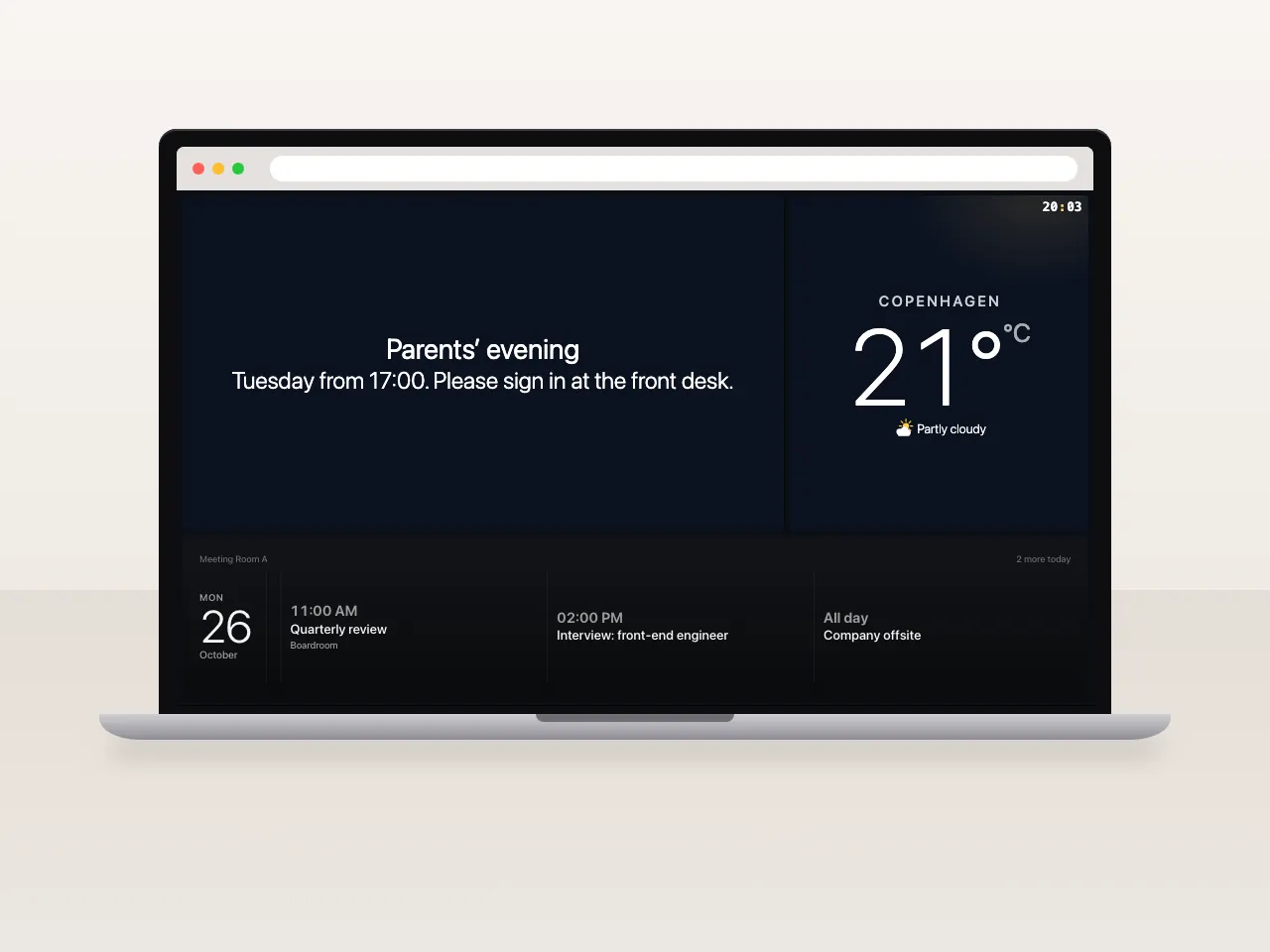
A browser, on anything
The player is a web page, so a Mac, a Chromebook or any computer with a current browser can run it. Open the URL, go full-screen, and the screen is paired. The fastest way to see the product working before any hardware arrives.
Best way to start the trialThe four ways, side by side
What each one does with nobody at the screen — taken from the player's code, not from a box's datasheet.
| Android TV box or stick | A display with Android built in | A PC with the Windows app | A browser on any computer | |
|---|---|---|---|---|
| Hardware | €40 – €120 for the box | None: the display is the player | A PC you already have | None, on a computer you already have |
| Stays full-screen | Yes. Back never leaves the player, and once auto-recovery is allowed in the service menu, it takes the screen back from Home too | Same as a box | Yes: kept on top, Alt+F4 refused, and back within seconds if it crashes or is killed | Only as far as the browser's own kiosk mode goes |
| Starts on its own | At power-on, once it has been opened after installing and auto-recovery is allowed in the service menu | Same as a box | At Windows sign-in, so set the PC to sign in automatically | Only if the computer is set up to open it |
| Updates | Installs its own, silently once it is allowed in the service menu on Android 12 or newer; otherwise from the service menu | Same as a box | Installs its own, at night or in standby where it can, and rolls back one that fails | Always the current player |
| Screenshots in the dashboard | Yes | Yes | Yes | No |
| Plays offline | Yes | Yes | Yes | Yes, except in a private window |
What the hardware costs
Typical shop prices for one screen, the same figures the cost calculator starts from. We sell none of it.
- 43-inch consumer TV€250 – €500
- 43-inch commercial display€450 – €900
- 55-inch consumer TV€400 – €800
- 55-inch commercial display€650 – €1,300
- Android TV box€40 – €120
- Wall mount€20 – €80
- HDMI cables, with a spare€10 – €30
- FizzSigns, per screen per year€140 paid yearly, or €168 paid monthly
Shop prices usually include VAT; the FizzSigns price excludes it.
How we checked this: the side-by-side table is read from the players’ code, not from a box’s datasheet, and the prices are the ranges in our cost guide of 30 September 2026, which names its sources.
What to look for
Worth paying for
- Automatic power-on after a power cut
- Wired ethernet, or at least 5 GHz Wi-Fi
- A commercial display rated for long daily hours
- A mount you can reach without closing the shop
- A second HDMI cable in the drawer — it is the part that fails
Not worth paying for
- A “signage-branded” box at three times the price of the same chipset
- 4K on a screen nobody stands closer than four metres to
- A player bundled with software you are not going to use
- Anything that needs a vendor engineer to re-image it
- A per-device licence on top of the software you already pay for
How big the screen has to be
The rule of thumb that survives contact with a real room: the furthest reader should be no more than six screen heights away for large text, and no more than four for a menu they have to read line by line. Measure from where people actually stand, not from the middle of the room.
- Reading distance2 – 3 mScreen size, large text32" – 43"Counter, queue line, checkout
- Reading distance3 – 4 mScreen size, large text43" – 55"Café, waiting room, reception
- Reading distance4 – 5 mScreen size, large text55" – 65"Shop floor, lobby, corridor
- Reading distance5 m and beyondScreen size, large text75" and upAtrium, warehouse, a wall of screens
A shop window is the exception: sunlight beats size. A bright commercial panel at 43" reads better behind glass than a dim consumer TV at 65".
The parts around the screen
Power, network and mounting decide whether a screen keeps working. None of them is software.
Power
A screen that does not come back by itself after a power cut will need a person with a remote control. Check for auto power-on in the display settings, and prefer a media player that starts on power rather than on a button.
Network
Wired ethernet is worth the cable run. If it has to be Wi-Fi, put the access point in sight of the screen and use 5 GHz. Bandwidth is modest — the player downloads media once and caches it, rather than streaming it on every loop.
Mounting
Portrait or landscape is a decision for the day of the install, not for later: the mount, the cable length and the layout all follow from it. Leave the player reachable, and leave one HDMI length of slack.
Heat and hours
A consumer TV is built for a few hours a day. A commercial panel is rated for twelve to twenty-four and has a fan path that expects to be boxed in. If the screen runs all day in a warm room, this is the line item worth the money.
Questions about hardware
Can I use a TV I already have?
Yes, and for a trial you should. Any TV with an HDMI input works with an Android box or a computer. The limits of a consumer TV show up later: daily operating hours, brightness behind glass, and whether it powers itself back on after a cut.
Do I need a 4K screen?
Almost never. At four metres a person cannot resolve 4K on a 55" panel, and 4K video costs more to store, more to download and more to decode. Full HD is the right answer for most rooms; spend the difference on brightness.
Does a smart TV work on its own?
If it runs Android and can install an APK, yes. If it runs a manufacturer system that only allows apps from its own store, plan on a small Android box — it costs less than the time spent fighting the TV.
How much does the hardware cost?
An Android box that does the job costs €40 – €120, a wall mount €20 – €80 and cables with a spare €10 – €30. A 43-inch display costs €250 – €500 as a consumer TV or €450 – €900 as a commercial panel rated for long hours. The cost calculator on this site adds it up for your screens over one, three or five years. We sell none of it, so none of these numbers is ours to inflate.
If you want a recommendation for a specific room, send us a photo and the viewing distance — we would rather you bought the right thing once.
From the blog
- Digital signage player: the five kinds and the specs that matterWhat a digital signage player does, the five kinds (box, stick, computer, built-in, browser), the specs that matter and what to avoid buying.
- Android TV box for digital signage: what to buy and what to skipWhat an Android TV box for digital signage needs, what to skip, how the app holds the screen in kiosk mode, and how to test one before buying twenty.
- Digital signage screen size: how big should the screen be?Pick a signage screen size from viewing distance: a table by diagonal, examples by room, portrait or landscape, and why brightness beats 4K.
Thirty minutes, no slides.
We pair a screen live, build a playlist with your content, and show you the report at the end. If it is not a fit you will know inside ten minutes and we will say so.