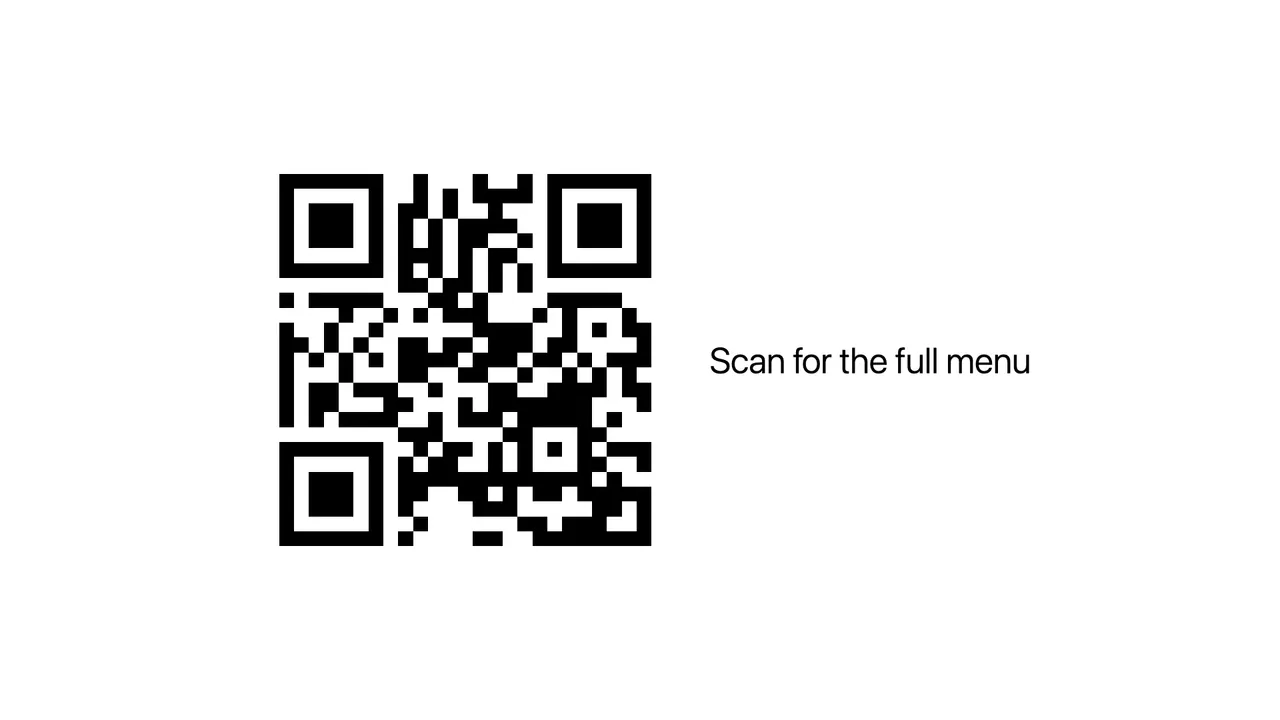
What it does
Display a large QR code that people can scan from across the room. Choose what it does — open a website, dial a number, start a text or email, join a Wi-Fi network, or leave a Google review — then fill in the details and add a caption inviting people to scan. You can even set the code and background colours. Perfect for collecting reviews, sharing guest Wi-Fi and promoting offers.
Every app in the catalogue is part of the plan. There is no app store, no per-app charge and nothing held back for a higher tier.
How to put a QR code on a screen
Show a QR code that opens a website, calls a number, starts a text or an email, joins your Wi-Fi or opens your Google review form. The code is drawn on the screen itself, so it works offline.
- 01
Add the app
In the dashboard, open Apps and add QR code.
- 02
Choose what it does
Open a website, Call a phone number, Send a text message, Write an email, Join a Wi-Fi network or Leave a Google review.
- 03
Fill in the details
Only the fields for that choice appear: a web address, a phone number and message, an email with subject, the Wi-Fi name, password and security type, or the Place ID.
- 04
Add a caption
Optional text beside the code. Tell people why to scan it — "Free Wi-Fi", "Leave us a review".
- 05
Put it on a screen
Pick the code and background colours, add the app to a playlist and publish it to the screen.
Good to know
Works offline
The code is generated on the screen; nothing is fetched.
Dark on light scans best
A dark code on a light background is read by every phone. A light code on a dark background is not.
Wi-Fi codes carry the password
Anyone who scans it can join. Use it for a guest network, not the one your till runs on.
Questions about this app
How do I find my Google Place ID?
Search your business in Google's Place ID Finder and copy the code it gives you — it starts with ChIJ.
Can I change where the code points later?
Yes. Edit the app and publish; the screen shows the new code within seconds.
Does it need the internet?
Not to show the code. The phone that scans it needs a connection for a website or a review, of course.
From the blog
- Digital signage software for small business: 7 things to compareA small business checklist for digital signage software: the real price (€14 a screen with FizzSigns), your TV, offline play, quick changes and support.
- Retail digital signage ideas: what to show in the window, at the till and on the floorWhere screens earn their place in a shop, how bright a window screen must be, promotions, QR codes, and running many stores from one dashboard.
- Waiting Room TV Content: What to Show and What to Leave OffWhat to put on the TV in a clinic, dental practice, vet or service-desk waiting room, what to leave off, and how to handle sound, pacing and privacy.
Something for every kind of screen.
Install what you need and ignore the rest. Nothing here is an add-on you pay extra for.