Weather app for digital signage
Live local weather on your screens
What it does
Show the current conditions and a short forecast for any city, in a layout to suit the room — at a glance, hour by hour, the full week, a minimal temperature, or a news-desk style panel. Search for the location, choose Celsius or Fahrenheit and the on-screen language, and let the theme follow the sky or fix it light or dark. It refreshes automatically, brightening lobbies, receptions and cafés.
Every app in the catalogue is part of the plan. There is no app store, no per-app charge and nothing held back for a higher tier.
Eight layouts for the same forecast
Pick one in the app’s form; all eight draw the same data. These are renders of the app, with sample data for Copenhagen.
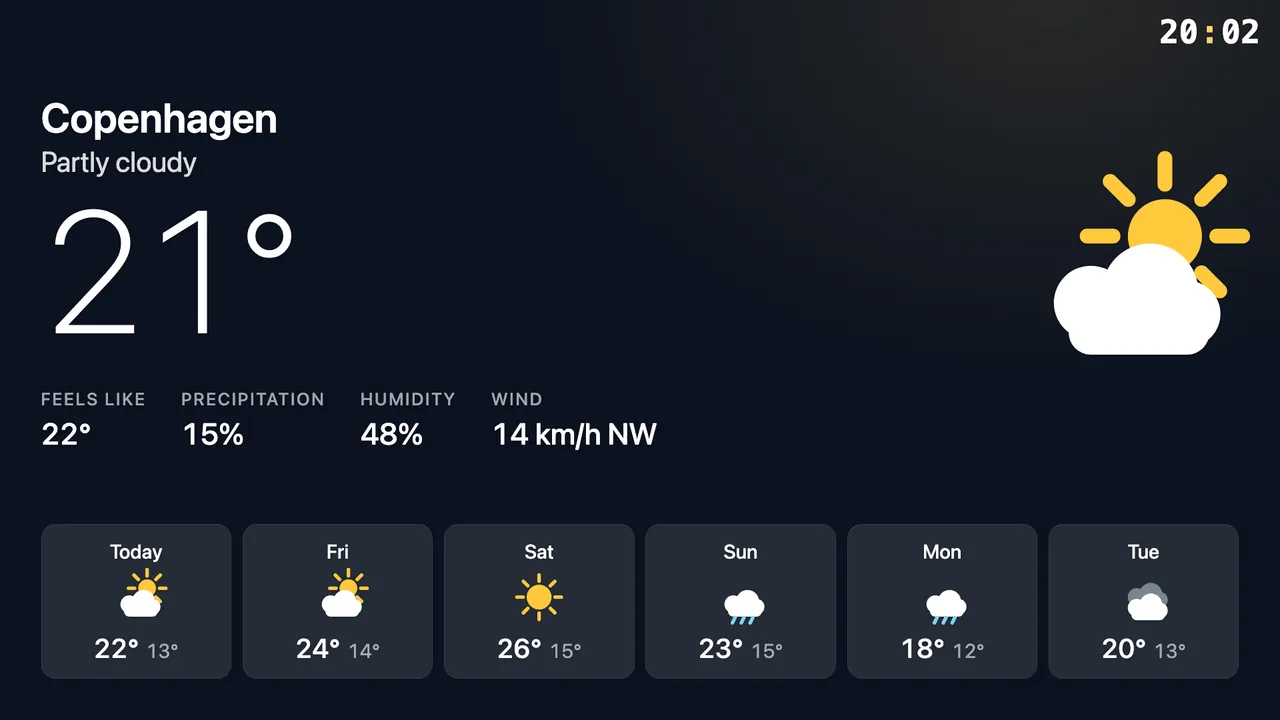
At a glanceThe temperature and the week 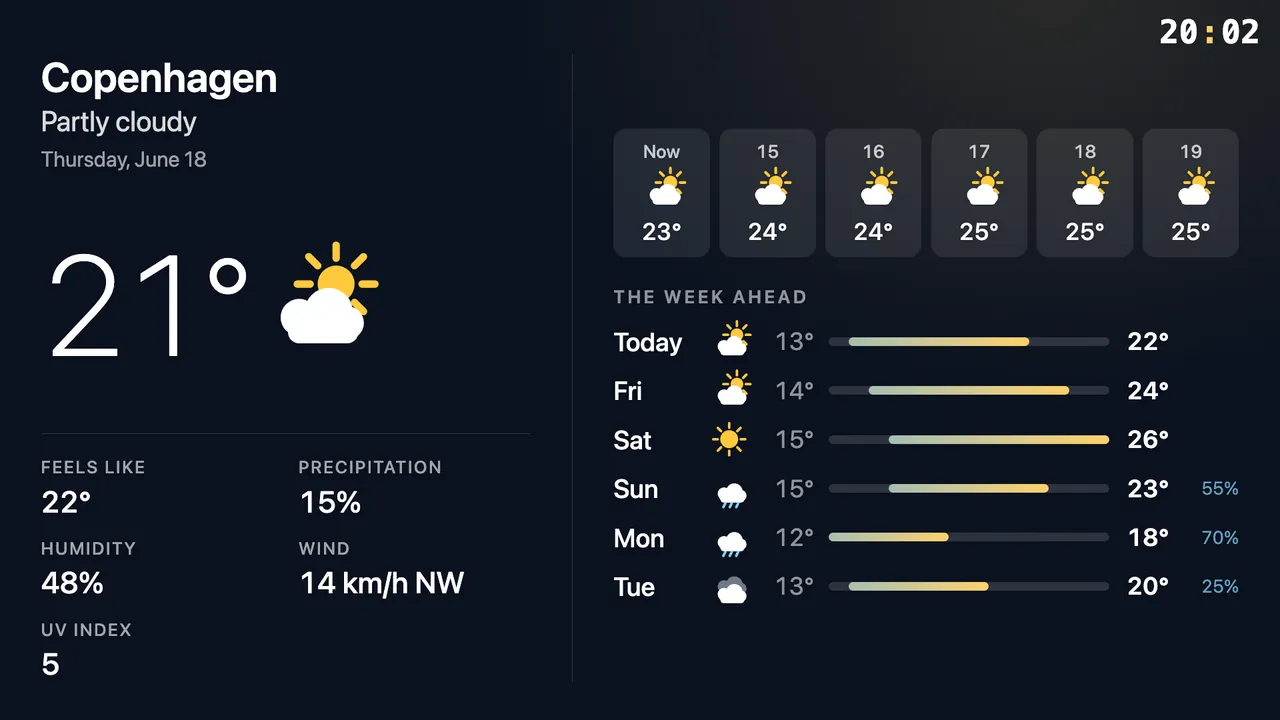
PanelEvery reading, laid out 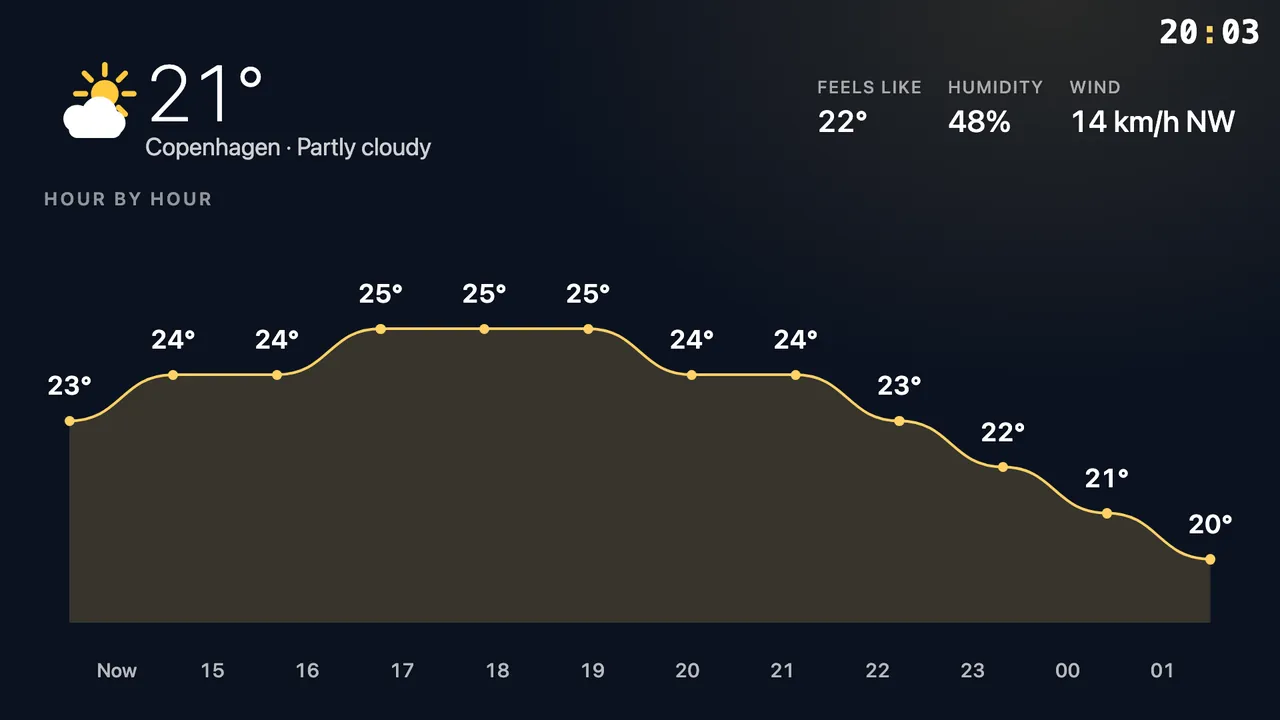
Hour by hourHow today unfolds 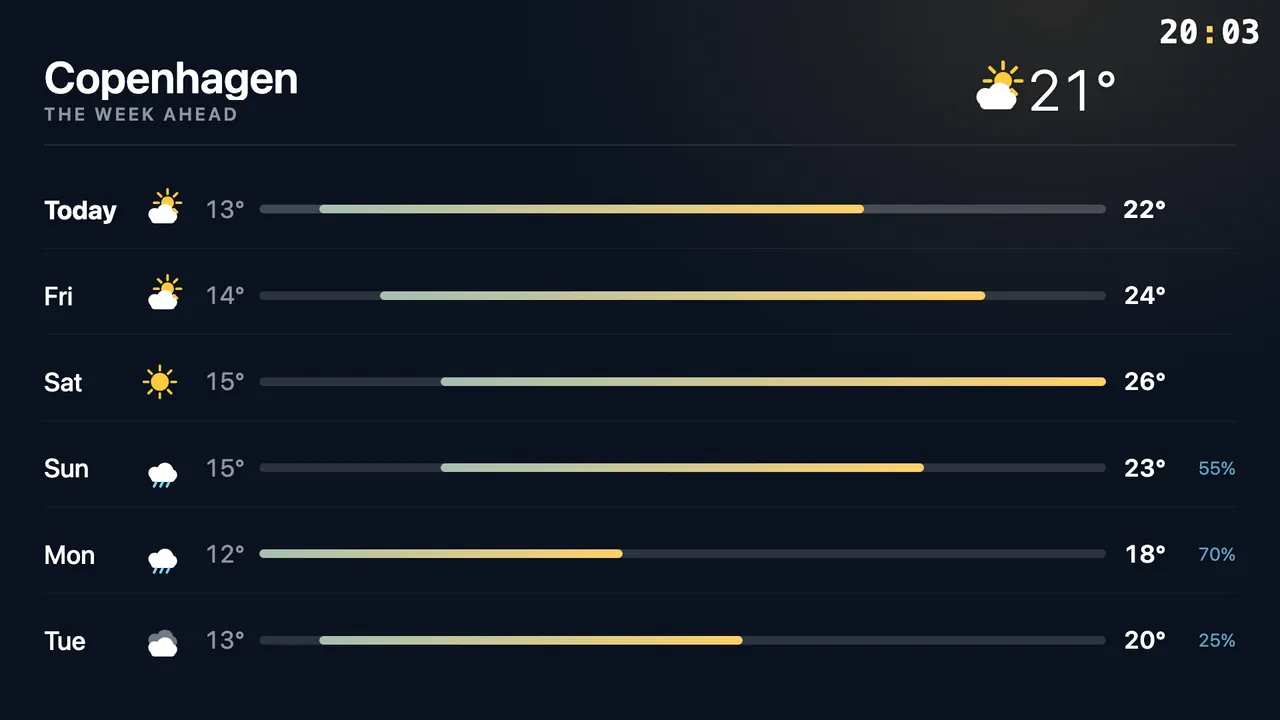
WeekSeven days, warmest to coldest 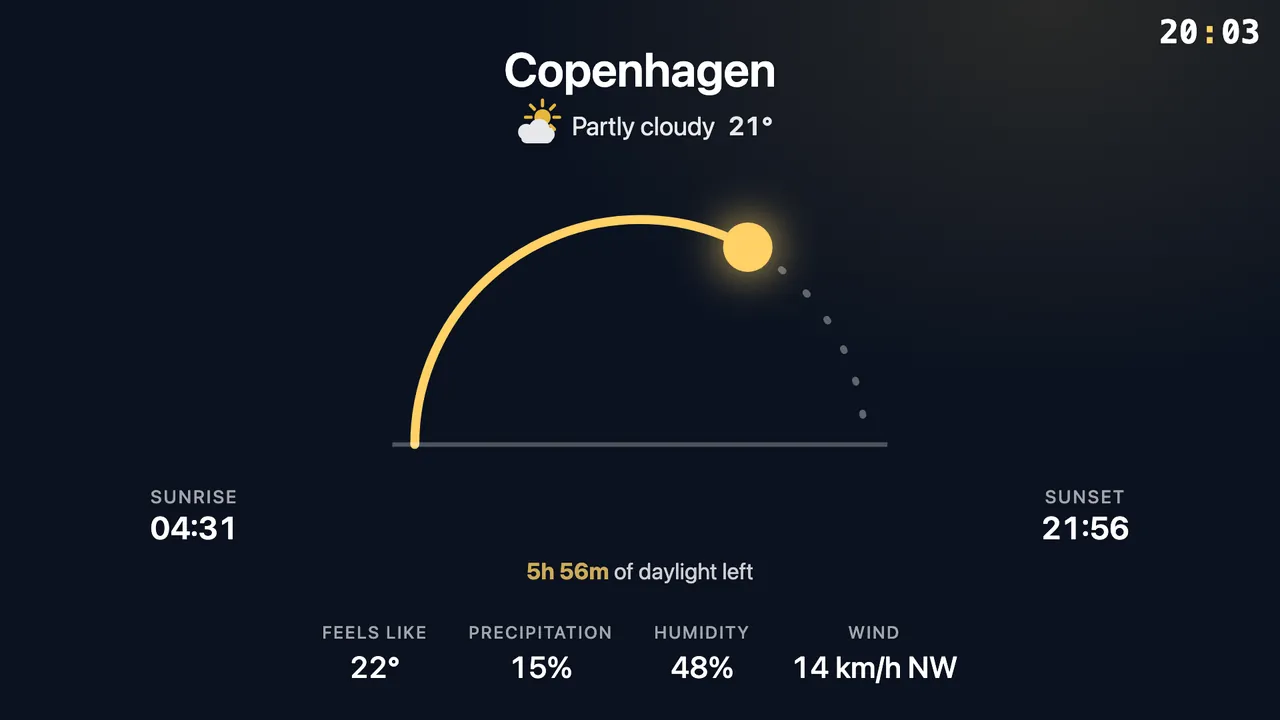
DaylightSunrise, now, sunset 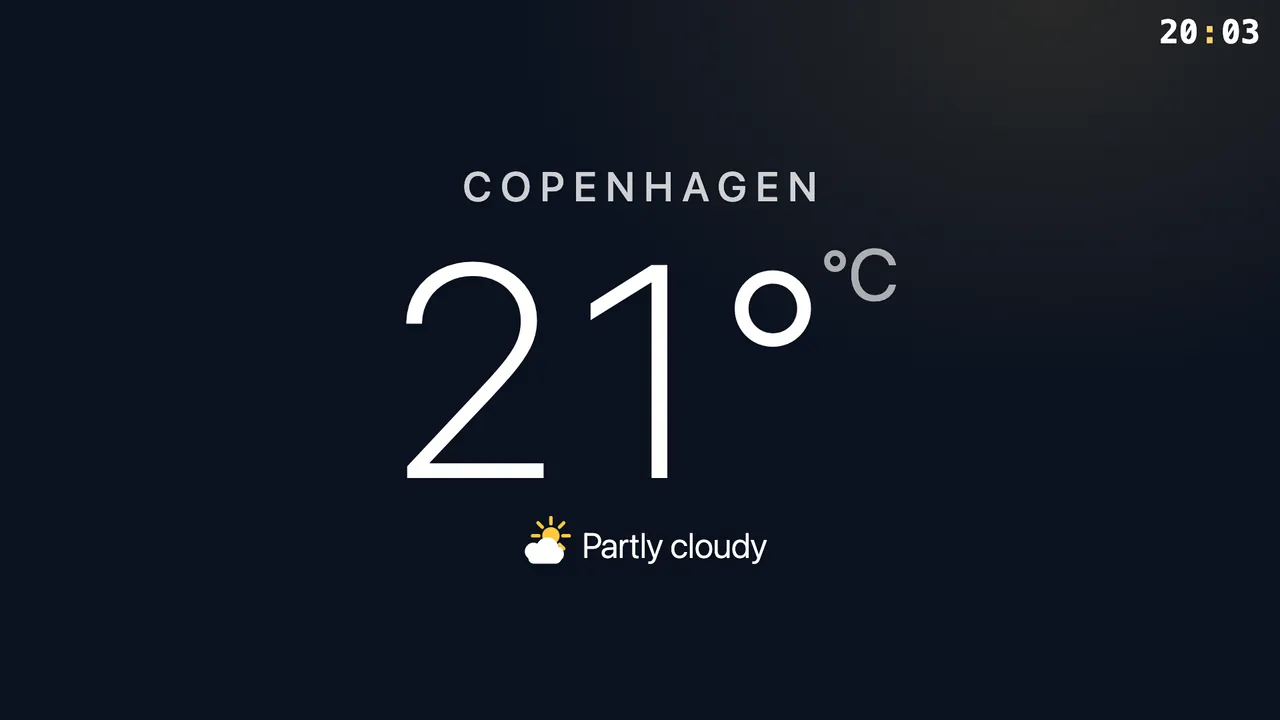
MinimalThe temperature, and nothing else 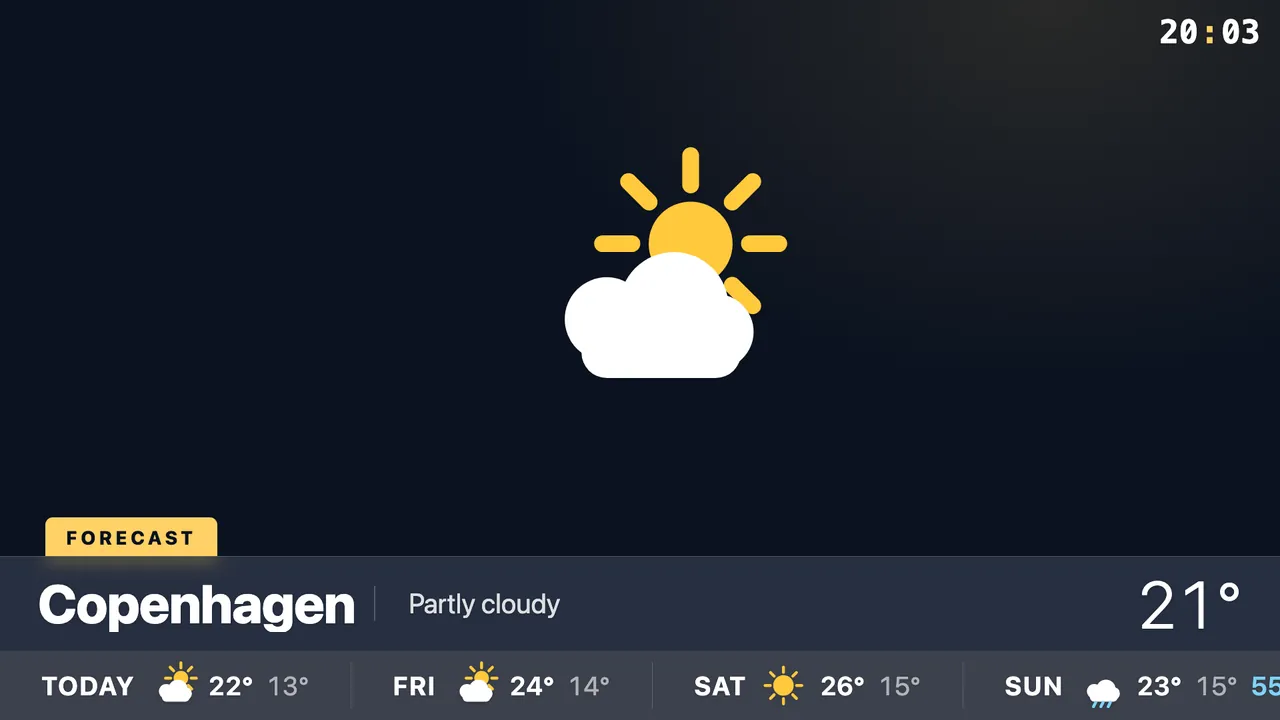
AgencyA weather desk on the news 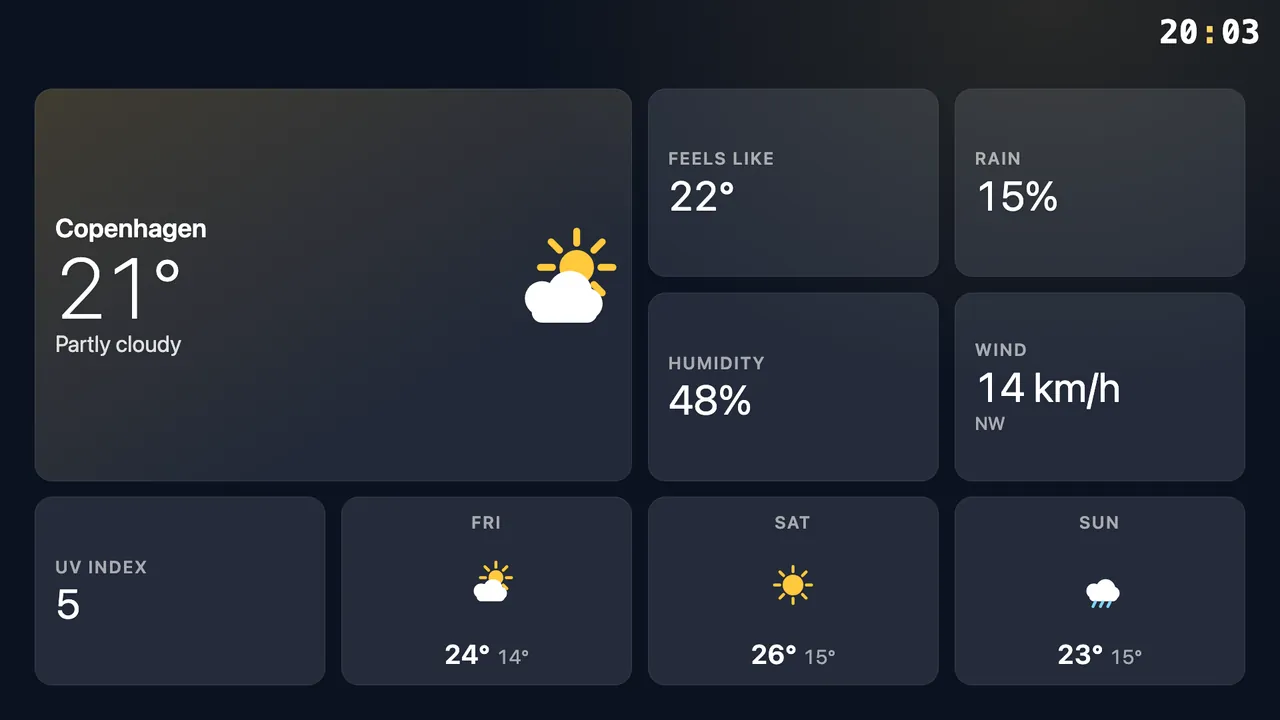
TilesA board of cards
How to show the weather forecast on a TV
Pick a place and the screen shows the current weather and the forecast, updated on its own — in eight layouts, from a single temperature to a full weather desk.
- 01
Add the app
In the dashboard, open Apps and add Weather.
- 02
Set the location
Start typing under Location and pick the place from the list.
- 03
Choose a layout
At a glance, Panel, Hour by hour, The week, Daylight, Minimal, Agency or Tiles.
- 04
Set the look
The Weather theme follows the sky — blue when clear, grey in rain, dark at night — or pick Light or Dark. Choose Celsius or Fahrenheit, the language, and whether a small clock shows in the corner.
- 05
Put it on a screen
Add the app to a playlist, give it a duration and publish it to the screen.
Good to know
Updates on its own
The forecast refreshes automatically; there is nothing to maintain.
Keeps the last forecast offline
If the network drops, the screen keeps showing the last forecast it received, and catches up when the connection returns.
The clock is a health check
The small clock in the corner shows at a glance that the screen is live and not frozen on an old picture.
Questions about this app
Can I show two cities?
One place per app. Add the app twice, or split one screen between them with the Zones app.
Can it show Fahrenheit?
Yes — set Temperature units to Fahrenheit.
Which languages does it speak?
English, German, Spanish or Italian — pick one under Language. Dates and times follow it too.
From the blog
- Digital signage software for small business: 7 things to compareA small business checklist for digital signage software: the real price (€14 a screen with FizzSigns), your TV, offline play, quick changes and support.
- Vertical digital signage: when to turn the screen on its sideWhen a portrait screen beats landscape, which displays may hang on their side, how to mount and rotate one, and what content works in a tall frame.
- Cloud-based digital signage: how it works and what to ask a vendorHow cloud-based digital signage works, how it compares with on-premise, what a screen does when the internet drops, and what to ask on security and GDPR.
Something for every kind of screen.
Install what you need and ignore the rest. Nothing here is an add-on you pay extra for.