What it does
Point a screen at any web page by pasting its address. It is the catch-all when there is no dedicated app — a page you own, an internal tool or a public dashboard share link. Note that some sites, including Google, social networks and most banking sites, refuse to be embedded and show blank, so pages you control work best. Useful for intranets, status boards and live web content.
Every app in the catalogue is part of the plan. There is no app store, no per-app charge and nothing held back for a higher tier.
How to show a web page or dashboard on a TV
Paste a page's address and the screen shows it live — a status board, an intranet page or a dashboard's public share link. It is the catch-all for anything without an app of its own.
- 01
Add the app
In the dashboard, open Apps and add Web page.
- 02
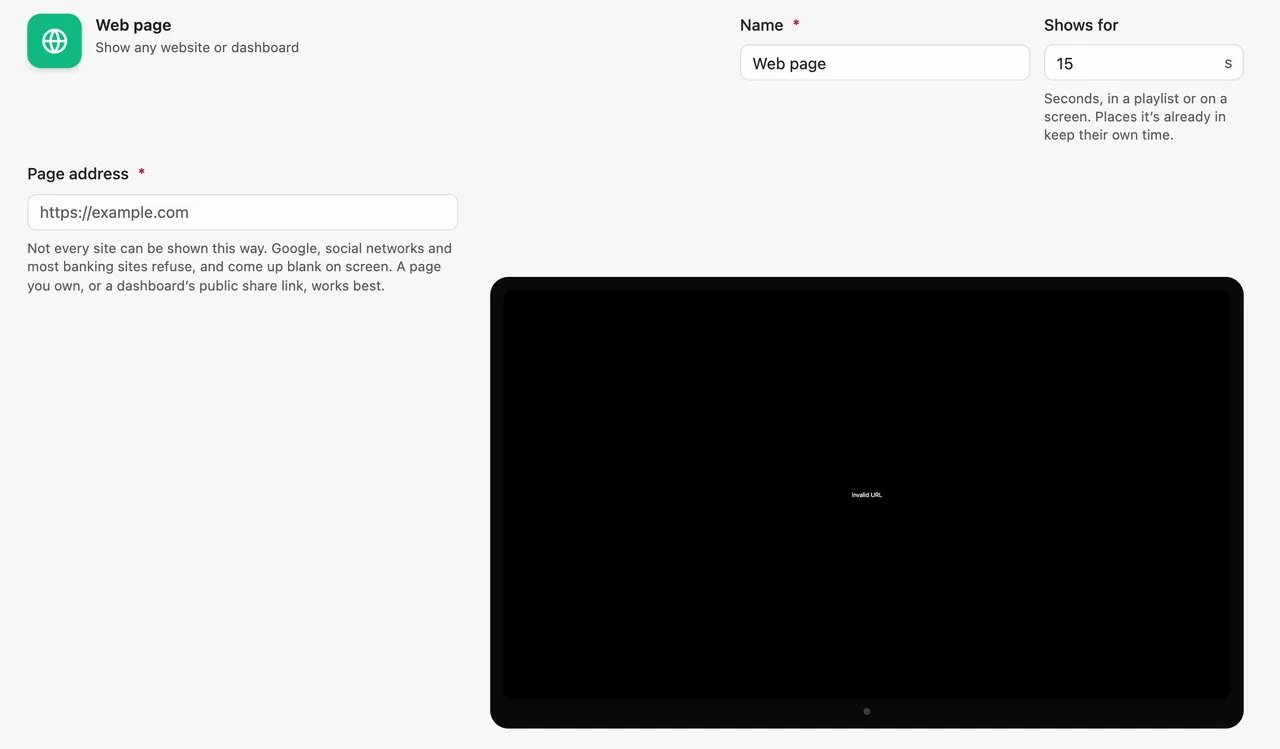
Paste the address
Paste the full address into Page address, starting with https://. For a dashboard, use its public share or embed link rather than the address you see while signed in.
- 03
Check the preview
The preview beside the form shows the page as a screen will. If it stays blank, the site does not allow itself to be shown inside another page.
- 04
Put it on a screen
Add the app to a playlist, give it a duration and publish it to the screen.
Good to know
Some sites refuse
Google, social networks and most banking sites do not allow their pages to be shown inside another site, and they come up blank on screen. Nothing in FizzSigns can override that; a page you own, or a public share link, works best.
Needs the internet
The page loads live, so the app is skipped while a screen is offline and comes back with the connection.
Loaded fresh each time
The page opens when the app comes on screen and closes when it leaves, so each turn shows it as it is at that moment. A dashboard that updates itself keeps doing so while it is showing.
Questions about this app
Why is my page blank on the screen?
The site refuses to be shown inside another page. Look for the site's public share or embed link, or use a page you control.
Can I show a Google Sheet or a Slides deck this way?
Use the Google Sheets or Google Slides app instead. Google's pages refuse to be shown this way, and those apps keep the file private in your Drive.
Can a page take over the screen?
No. It runs in a closed frame: it cannot navigate the screen away, open pop-ups or start downloads.
From the blog
- Raspberry Pi digital signage: when it is worth the effortWhen a Raspberry Pi makes sense for signage, what it costs in time (power, SD cards, heat, updates) and how it compares with an Android box.
- Office TV dashboard: how to put your KPIs on a wall screenTwo ways to put KPIs on an office TV: a live table from Google Sheets, or a dashboard's public link. What works, what shows blank, and why.
- How to set up a Windows PC for digital signage that runs by itselfSet up a Windows PC to run a signage screen alone: its own account, automatic sign-in, no sleep, power-on after a cut, silent installs and updates.
Something for every kind of screen.
Install what you need and ignore the rest. Nothing here is an add-on you pay extra for.